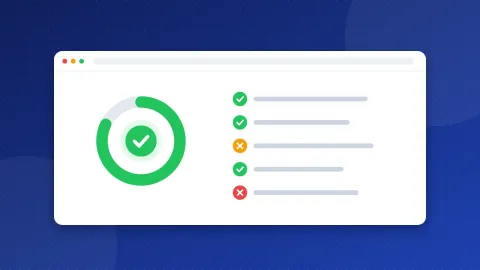
To check if a backlink is still live, you have to open the page that should link to you and find the link in its HTML. This monitor does that for a whole list at once. Paste the directory listings, profiles and articles that mention your site, or import the CSV from the Submission Tracker, and each page shows Found or Missing, the anchor text, the rel value, the status code, redirects and noindex.
Why links disappear
Links are not permanent. A page that linked to you last year may not today, and nobody sends you a message when it changes. The usual reasons:
- The page was removed. Directories close, blogs delete old posts, sites move to a new address without redirects.
- The listing expired. Some directories remove free listings after a while, or paid ones when the term ends.
- The template changed. A redesign can drop the "website" field from profiles, or turn links into plain text.
- rel changed. A followed link becomes nofollow, sponsored or ugc after a policy update.
- The page got noindex. The link is still there, but the page is no longer in Google, so the link counts for little.
I saw all of this from the other side. For years I ran a web directory with almost 1,000 hand-checked sites, and every recheck found listings whose sites had died or changed. Links age in both directions.
What the monitor checks
| Check | What it means |
|---|---|
| Found / Missing | Whether the HTML has a link to your domain or one of its subdomains |
| Anchor text | The clickable words, or [image] for a linked image |
| rel | followed, nofollow, sponsored or ugc |
| Status code | 404 or 410 means the page is gone; 5xx means the site has trouble |
| Redirect | The page now lives at another address |
| noindex | The page asks search engines not to index it |
A result is green when the link is there on an indexable page. It turns orange when the link exists but every link to you is nofollow, sponsored or ugc, or the page has noindex. It is red when the link or the page is gone.
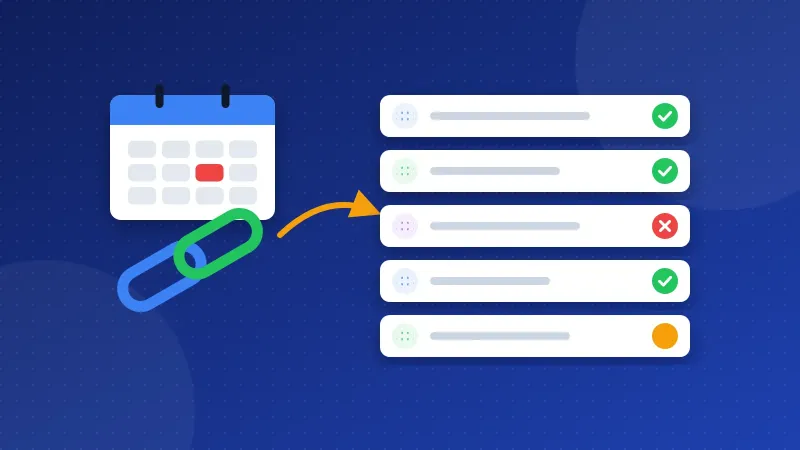
How to check if a backlink is still live with the monitor
- Enter your domain, for example example.com. Links to www and other subdomains count too.
- Add the pages. One address per line. Or press Import CSV and choose an export from the Submission Tracker or any spreadsheet: every address in the file is added, except ones on your own domain.
- Press Check links. The standard level checks 3 pages per run; PRO checks up to 25 and adds CSV export.
- Read each row. Missing rows show the reason: no link in the HTML, a 404, a redirect, or an error reading the page.
- Come back later. The list and the last result stay in your browser, so next month you only press Check again.
What to do with a Missing link
- The page is gone (404 or 410). Remove it from your list. If the site still exists, look for a new listing page.
- The page redirects. Check the new address: the link may have moved with it. Update your list.
- The page is there but the link is not. If it was a listing you sent in, check whether it expired or the site changed its rules. A short, polite message to the owner is fine; repeated demands are not.
- The link turned nofollow or sponsored. Accept it. The owner decides how to qualify links on their site, and paid listings must be sponsored.
What not to do: do not chase every lost link with replacements from link sellers, private networks or comment spam. After Google's 2012 crackdown on link spam I stopped all of that on my own sites, and Google's spam policies are stricter now than they were then. A monitor is for keeping track of real mentions, not for building more.
What the tool cannot see
The monitor reads the HTML the server sends and does not run JavaScript. If a site adds links with a script, the link shows as Missing even though visitors see it. Some sites also block automated requests or show a cookie wall; those rows show an error. Open such pages in your browser to confirm.
It also only checks the pages you list. For links you do not know about, use the Links report in Google Search Console, which shows the sites Google found linking to you. It is free and comes from Google's own crawl.
A list of 20 to 50 pages that really matter, checked once a month, is enough for most small sites. That is the easiest way to check if a backlink is still live without paying for a crawler.
Frequently asked questions
How often should I check my backlinks?
Once a month is enough for most small sites. Check sooner after you hear that a directory or partner site is moving or redesigning, because that is when links break.
Why does the monitor say Missing when I can see the link?
The link is probably added by JavaScript after the page loads, and the monitor reads the HTML before scripts run. It can also be a different domain spelling, such as an old domain that redirects to yours.
Is a nofollow backlink worth keeping?
Yes. It passes little or no ranking credit, but it can still bring visitors, and a listing on a real, relevant site helps people find you. There is no reason to ask for it to be removed.