Google Business Profile vs. Local Directories: Which First?
Start with Google Business Profile, then copy its exact details everywhere else. A week-by-week setup plan for new local businesses.
SEO fundamentals for beginners — explained simply, step by step.
Read these in order — each one builds on the last.
Start with Google Business Profile, then copy its exact details everywhere else. A week-by-week setup plan for new local businesses.

llms.txt is a Markdown reading list for AI tools. Here is what goes in it, how it differs from robots.txt and sitemaps, and whether a small site needs one.

A plain-English beginner guide to using AI tools for SEO: where they help, where they get things wrong, and what Google's own rules say about AI-written pages.
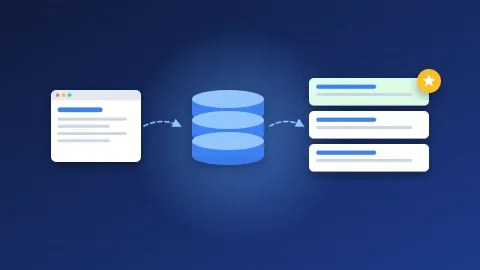
SEO explained for beginners: how Google finds, stores and ranks pages, what on-page, off-page and technical SEO mean, and how long results usually take.
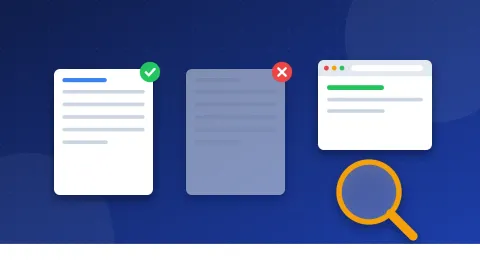
Check a page's Google index status with a site: search and the URL Inspection tool, learn the common reasons pages are not indexed and what to do about each.
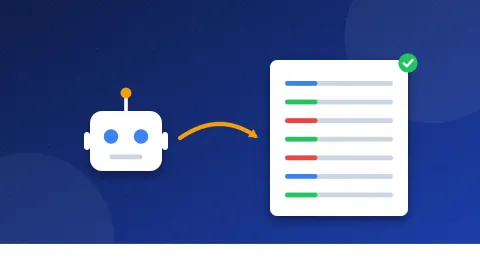
What robots.txt does (and why it is not a noindex), the User-agent, Disallow, Allow and Sitemap lines, AI crawler names like GPTBot, and common mistakes.
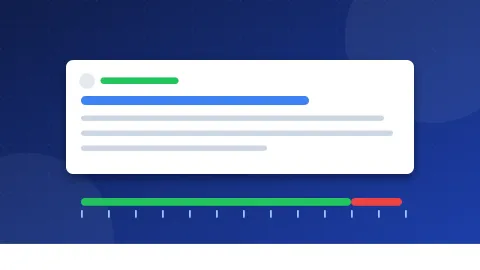
Meta description length explained: why Google has no fixed limit, why it may rewrite your text, a practical 140 to 155 character guide and good vs weak examples.
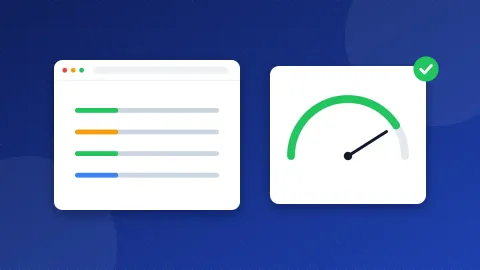
What LCP, INP and CLS mean in plain words, the scores Google calls good, and step-by-step fixes for slow images, heavy scripts and pages that jump while they load.
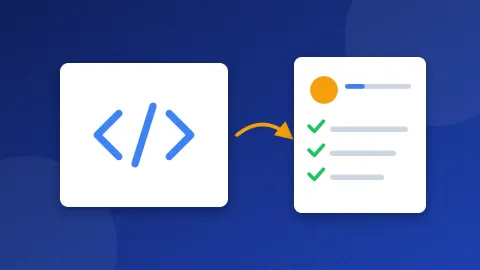
What schema markup is in plain words, which JSON-LD types a small site needs, how to add them to WordPress or a PHP site, and how to test them for errors.
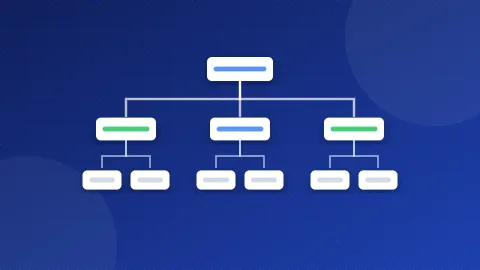
Learn how to create an XML sitemap step by step: what goes in the file, which pages to leave out, size limits, and how to add it to robots.txt and Search Console.
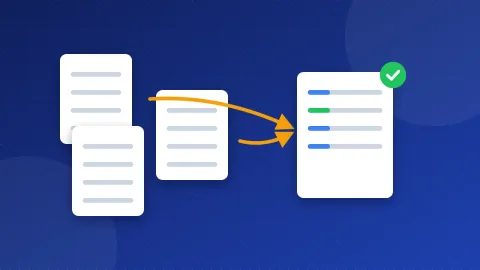
A canonical tag tells Google which address is the main one when the same page loads at several URLs. Here is how to add it, what breaks it and how to check it.
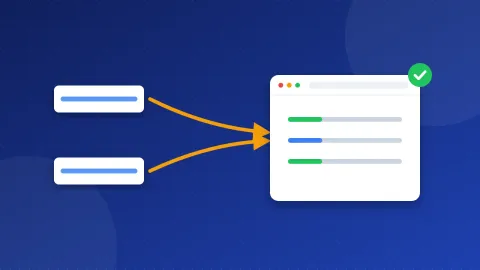
Google ranks www and non-www the same. What hurts is when both open your site. Pick one, redirect the other in one jump with .htaccess, and check HTTP/2.
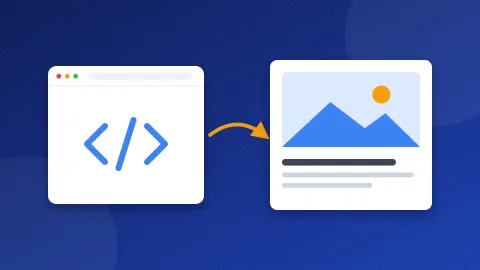
Open Graph tags decide the picture, title and text people see when your link is shared. Copy the tags, use a 1200×630 image and test the card in minutes.
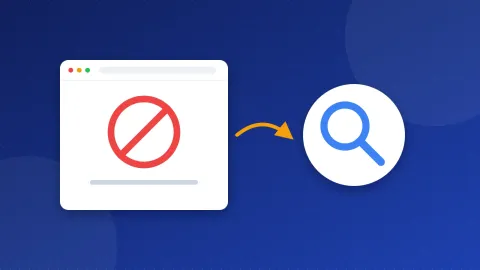
What a soft 404 error is, how a stray noindex tag or robots.txt rule hides pages from Google, and the exact fixes for Apache, WordPress and simple PHP sites.
What the viewport meta tag does, the exact line to paste into your page head, why blocking zoom hurts visitors, and quick fixes for media queries, lang, charset and old tags.
Which email providers let you use your own domain for free, what each free route leaves out, when paying makes sense, and how to set up DNS and WordPress.
One table with the SMTP server, port, security type and login for popular email providers, plus how to pick the right one, what the ports mean and how to test them.
The exact Gmail SMTP server, ports and login, plus how to make an app password, set up WordPress and fix the most common errors.

The Outlook.com, Hotmail and Live SMTP server, port and sign-in rules, plus IMAP and POP, WordPress steps, sending limits and fixes for login errors.
The SMTP server, port, login and IMAP settings for email on your own domain in cPanel, where to find your exact server name, and how to use them in WordPress.
The SMTP, IMAP and POP settings for Hostinger Email, where to find them in hPanel, and how to use them in WordPress, email apps and phones.
The Microsoft 365 SMTP server and port, how to switch on SMTP AUTH for a mailbox, WordPress steps, sending limits and what the 5.7.x errors mean.
The Yahoo Mail SMTP server, ports and login, how to create a Yahoo app password, WordPress steps, IMAP and POP, and fixes for common errors.
The Zoho Mail SMTP servers for free and paid domain plans, ports, login rules, IMAP setup, WordPress steps and what "Relaying disallowed" means.

The iCloud Mail SMTP server, port and login, how to make an app-specific password, WordPress steps, IMAP settings and fixes for common errors.
The SMTP server, ports, login and SMTP key for Brevo, what to set up first, how to use it in WordPress, and what common Brevo errors mean.
The SMTP server, ports and login for SendGrid, why the username is apikey, how sender identity works, and what common SendGrid errors mean.
The SMTP, IMAP and POP settings for Namecheap Private Email, which password to use, and how to set it up in WordPress, email apps and phones.
The SMTP server, port and login for Proton Mail, how to make an SMTP token, who can use it, and why reading mail in apps needs Proton Mail Bridge.
Free directories won't move rankings on their own, but a few edited, indexed and on-topic ones still help new sites get found. Here's how to pick them and test the results.
A quick, repeatable way to vet any web directory before you submit: check indexing, categories, recent listings, outbound links and editorial review.
Learn to check any forum signature link in seconds, what nofollow, ugc and sponsored mean, what Google says about forum links, and why traffic matters more than link juice.
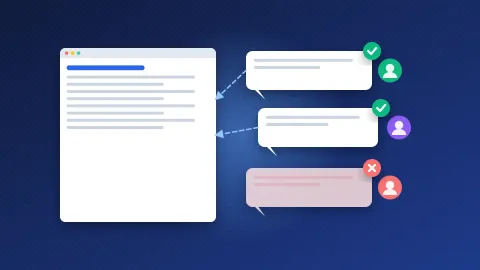
What filters and moderators actually flag, how to find blogs worth commenting on, and how to write comments that get approved and bring visitors, not penalties.
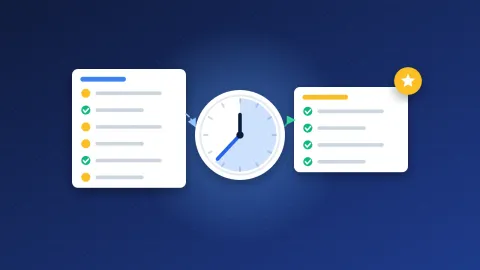
Realistic approval times for free, paid and instant approval directories, what a review fee actually buys, and what to do when your listing never shows up.
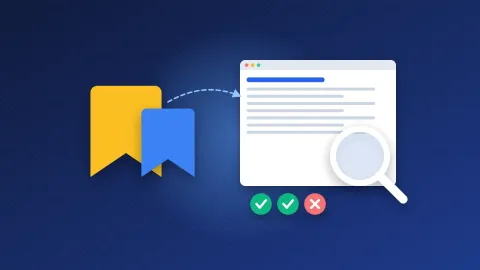
Most bookmark pages never reach Google's index. Here is why, plus a simple 30-day method to find the bookmarking sites that still work for your links.
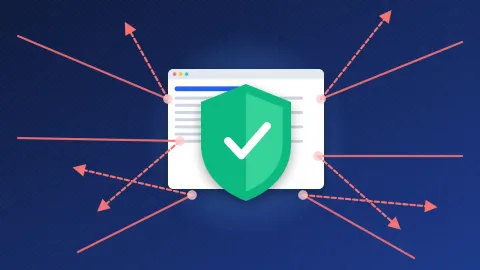
Which negative SEO attacks can really hurt you, why Google ignores most spam links, a protection checklist, and when the disavow tool makes sense.
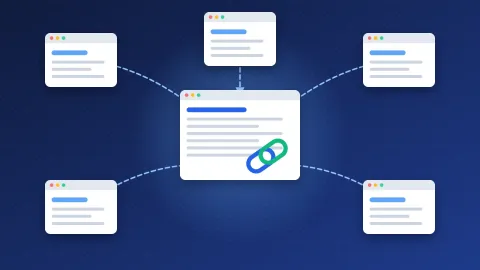
What backlinks are, why Google uses them, dofollow vs nofollow vs sponsored, how to tell good links from bad ones, and how to earn your first links.
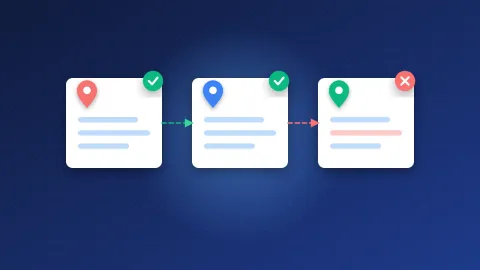
Check your business name, address and phone across the web for free with one spreadsheet. Includes a copyable template and a simple fixing routine.
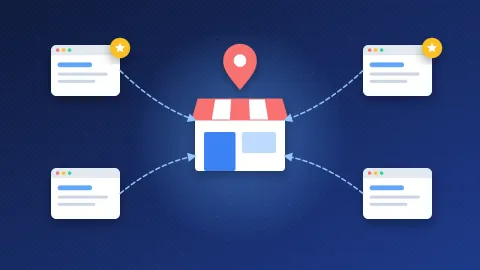
Not every citation is worth your time. See which local listings matter most, which ones to skip, and the exact order to build them in.
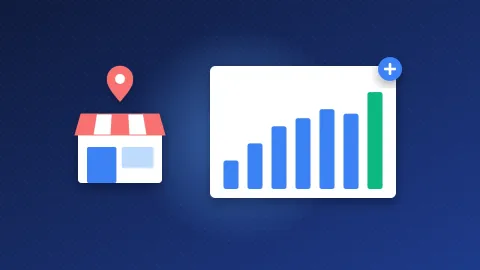
Forget magic numbers. Learn how to benchmark citations against the businesses already ranking near you, and when adding more stops helping.
Web directories explained for beginners: how they work, the main types, what happened to DMOZ, and whether a directory listing still helps your site.
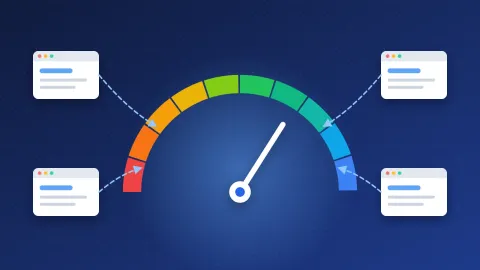
What Moz Domain Authority measures, why Google doesn't use it, what counts as a good score, and six safe ways to raise it.
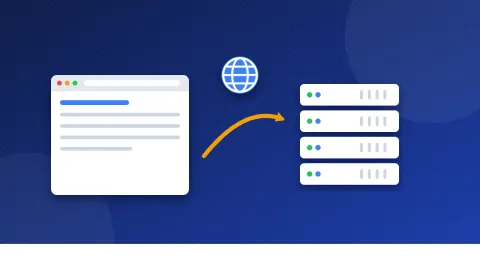
Web hosting in plain words: what a server is, how your files and domain fit together, what happens on each visit, the main hosting types and what you really need.
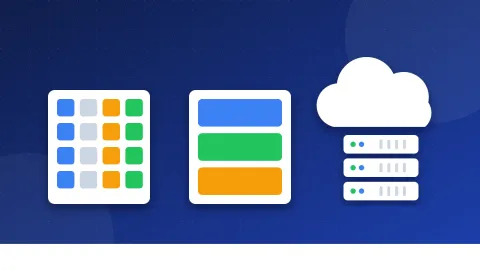
Shared, VPS, cloud and managed WordPress hosting compared in one simple table, with typical costs and clear signs that it is time to upgrade.
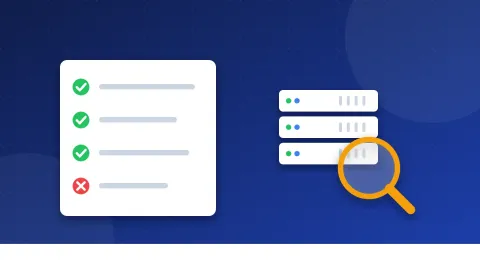
A simple checklist for picking your first host: uptime, renewal price, backups, support, server location, SSL and email, plus honest lessons from 20 years of paying for hosting.

The domain is your site's address and hosting is the house where its files live. Learn how registrars and hosts differ, how to buy both and what happens if one expires.
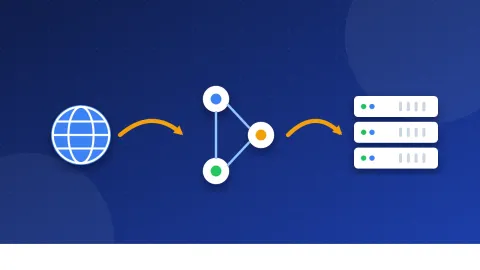
Nameservers, A records and CNAMEs explained in plain words, with step-by-step instructions, realistic wait times for DNS changes and easy ways to check your site is live.
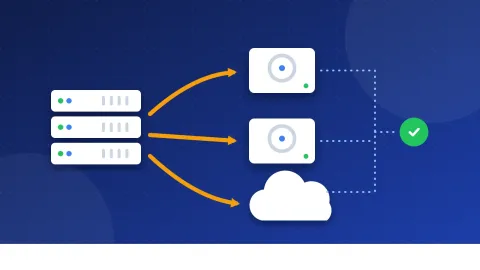
A plain guide to website backups: what to save, the 3-2-1 rule, host backups vs your own copy, how often to back up by site type and how to test a restore.
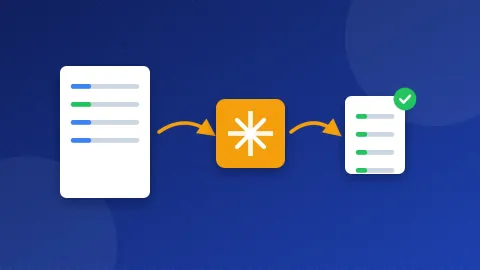
Two short .htaccess blocks turn on gzip compression and browser caching. Copy the code, back up first, and check the headers in DevTools to confirm it works.
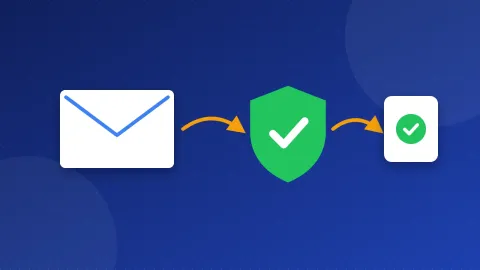
A plain guide to SPF: the DNS line that says which servers may send email for your domain, how to add it, plus fixes for exposed emails, unsafe links and ads.txt.
No guide matches that search — try another word.
The terms you will meet in every guide, explained in one sentence.
 FeaturedFree tool: Website SEO CheckupPaste a page address and get a score out of 100 from about 45 checks: title, description, headings, images, robots.txt, sitemap, favicon, speed, HTTPS, mobile…Use it free →FeaturedPaid Directory ListA hand-checked paid web directory list, plus Google's rules on paid links, the risks, and how to judge a paid listing by real traffic and editorial review.See the list →FeaturedInstant Approval DirectoriesAn instant approval directory list checked by hand: directories that publish your listing right away, what they are good for and why most links stay weak.See the list →FeaturedFree Directory ListA free web directory list checked by hand: general directories that still accept submissions, plus how to submit safely and what to expect after approval.See the list →FeaturedPageRank Checker and Top WebsitesCheck the PageRank of any website for free and see the top sites by Open PageRank: the global top 1,000 and the best .ai, .io, .edu, .gov and .org domains.Learn more →
 FeaturedFree tool: Image to WebPTurn JPG and PNG images into smaller WebP files right in your browser. Nothing is uploaded.Use it free →FeaturedImage Speed Cheat: Convert Images to WebP the Right WayConvert your biggest images to WebP and add width, height and lazy loading. Pages get lighter and stop jumping while they load.Use this cheat →
 FeaturedFree tool: Photo EditorCrop, straighten, brighten and sharpen a photo, add text, boxes, arrows and blurred areas, try ten filters, then resize and save it as WebP, JPG or PNG with th…Use it free →