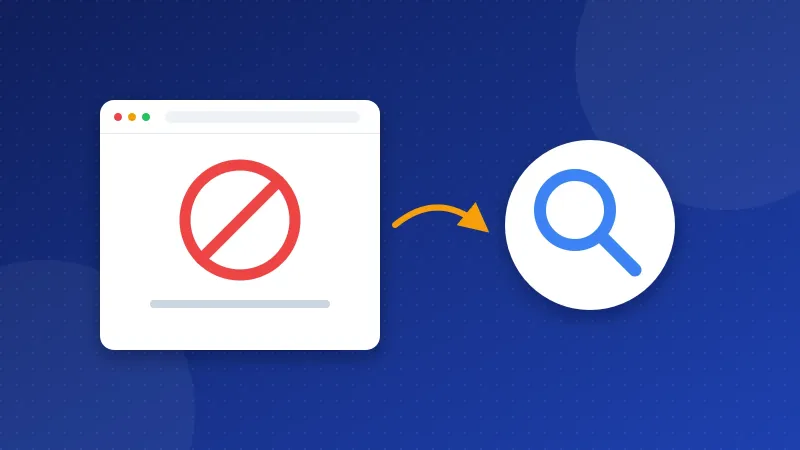
A soft 404 error happens when a page is missing or empty, but your server still answers "200 OK", the code for a working page. Google then sees a real page with nothing useful on it and keeps it out of search. The fix is to make missing pages answer with a real 404 or 410 code, or to redirect them with a 301 if the content moved.
The Website SEO Checkup tests three things that can keep pages out of Google by mistake: soft 404s, noindex tags and robots.txt blocks. This guide explains each one and how to fix it.
What is a status code?
Every time a browser or crawler asks for a page, your server answers with a three-digit status code before it sends the page. A crawler is the robot that visits pages for a search engine. These are the codes you will meet most:
| Code | Meaning | What Google does |
|---|---|---|
| 200 | OK, the page works | May index it |
| 301 | Moved for good | Follows it to the new address |
| 404 | Not found | Drops the page from its index |
| 410 | Gone for good | Drops the page from its index |
Visitors never see the code. They see the page. That is why a soft 404 is easy to miss: the page looks like an error to people, but the code says all is well.
What is a soft 404 error?
Google reports a soft 404 when a page sends a 200 code but looks like an error or an empty page. You can find these in Search Console, in the Page indexing report, under "Soft 404". Google leaves those pages out of search.
Common causes on small sites:
- A custom "page not found" page that your theme or script sends with a 200 code.
- A deleted post that redirects to the home page instead of a close match.
- Empty category or tag pages with no posts.
- Search result pages with "no results found".
- A page that needs JavaScript to show its text, and the script failed for Googlebot.
How do you fix a soft 404?
Google gives three fixes, based on what happened to the page:
- The page is gone for good: return a 404 or 410 code. You can still show a friendly page with a search box and links.
- The page moved: send a 301 redirect to the new page that covers the same topic. Do not send every old page to your home page.
- The page is fine: it may not have loaded well for Google. Open URL Inspection in Search Console, test the live page and look at what Google saw.
On Apache or LiteSpeed hosting, add this line to the .htaccess file in your main folder (public_html): ErrorDocument 404 /404.php. Use a path that starts with a slash, not a full address. The Apache manual warns that a full http:// address makes the server send a redirect, so the visitor never gets the 404 code.
On a PHP page, send the code yourself as the very first line of the file: <?php http_response_code(404); ?>. In WordPress, the theme's 404.php template already sends the right code, unless a plugin changes it. The Bloghints CMS sends a real 404 with a helpful page by default.
What does a noindex tag do?
A noindex tag tells search engines to keep a page out of their results. It sits in the head of the page and looks like this: <meta name="robots" content="noindex">. It can also come from your server as an HTTP header: X-Robots-Tag: noindex.
Noindex is useful for thank-you pages or private pages. It becomes a problem when it lands on pages you want found. It often happens like this:
- WordPress: under Settings, Reading, the box "Discourage search engines from indexing this site" is ticked. It is often left on after building the site. Untick it and save.
- SEO plugins: a post, category or tag is set to noindex in the plugin settings.
- Bloghints CMS: edit the page and untick "Hide from search engines".
- Hand-made sites: a noindex tag sits in a shared header file, so it lands on every page.
Why are pages blocked by robots.txt?
Robots.txt is a small text file in your main folder that tells crawlers which paths they may visit. A Disallow line blocks a path. For example, Disallow: /blog/ stops crawlers from reading every page in your blog folder.
Many people use Disallow to hide a page from Google. That does not work well. Google says robots.txt is not a way to keep a page out of search. A blocked page can still show up in results, without a description, if other pages link to it. Worse, Google cannot read a noindex tag on a page it is not allowed to visit.
So use each tool for its own job:
- To keep a page out of Google, use noindex and let crawlers visit it.
- To save crawl time on pages with no value, such as internal search results, use Disallow.
- To fix an important page that the checkup flags, remove the Disallow line that matches it.
The Robots.txt Generator lets you test which paths your rules block. Our guide to robots.txt for beginners explains every rule line by line.
How do you check that the fix worked?
- Open the missing page in Chrome, press F12, open the Network tab and reload. The first line should show status 404, not 200.
- On a page you want found, right-click, choose View page source and search for "noindex". It should not be there.
- In Search Console, run URL Inspection on the page. It shows whether Google may crawl and index it.
- Click "Validate fix" in the Page indexing report so Google checks the pages again.
Our guide on how to check if a page is indexed shows the URL Inspection steps with pictures of each screen. To help Google find the pages you fixed, list them in your sitemap; see how to create an XML sitemap.
Fix a soft 404 error with the right status code, keep noindex only on pages you want hidden, and keep Disallow away from pages that matter. Then re-run the free Website SEO Checkup to confirm all three checks pass.
Frequently asked questions
Do 404 errors hurt my SEO?
No, not for pages that are truly gone. A 404 is the honest answer, and Google simply drops those pages. Only fix 404s for pages that should exist, or for old pages that have a close new match you can redirect to.
Should I use 404 or 410 for a deleted page?
Both tell Google the page is not there, and Google drops it from the index either way. A 410 says the page is gone for good, while a 404 just says it was not found. For most small sites, a plain 404 is fine.
How long does Google take to index a page after I remove noindex?
It depends on how often Google visits your site. It can be days or weeks. You can speed it up by asking for indexing in URL Inspection and by linking to the page from other posts.