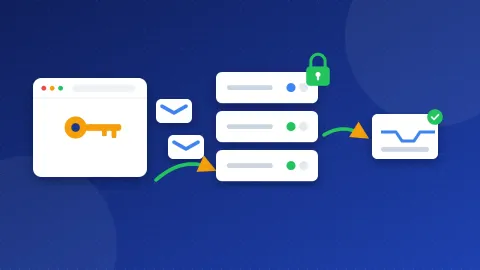
The Brevo SMTP settings are: server smtp-relay.brevo.com, port 587 with TLS (STARTTLS), your SMTP login as the username, and an SMTP key as the password. Brevo also supports port 465 with SSL and port 2525. Your SMTP login and key are on the SMTP & API page of your Brevo account.
| Setting | Value | Notes |
|---|---|---|
| SMTP server | smtp-relay.brevo.com | Not your login name |
| Port and security | 587 with TLS (STARTTLS) | Brevo's suggested default |
| Other ports | 465 with SSL, or 2525 | Use 2525 when 587 is blocked |
| Username | Your SMTP login | Your account email or an address ending in @smtp-brevo.com |
| Password | An SMTP key | Not your account password and not an API key |
| Incoming IMAP / POP | Not offered | Brevo only sends mail |
Once you have the key, test these Brevo SMTP settings in the free SMTP Tester. It checks the connection and the security certificate without asking for a password. If you add your login and key, it sends one test message.
What is Brevo SMTP, in plain words?
SMTP is the way email gets sent. Brevo runs an SMTP relay, which is a sending service your website hands messages to. It is made for mail your site sends, such as contact form alerts, order emails and password resets. It is not a mailbox, so there is no IMAP or POP for reading mail.
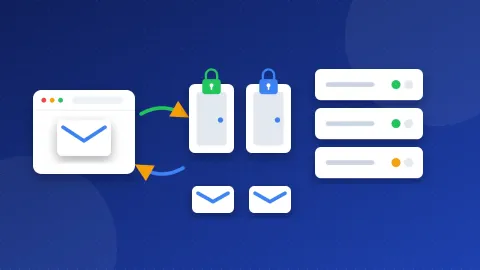
A port is a numbered door on the server. On port 587, STARTTLS starts a plain connection and then switches on encryption. On port 465, SSL locks the line from the start. Port 2525 is a spare door many services offer when 587 is blocked.
What do I need before I start?
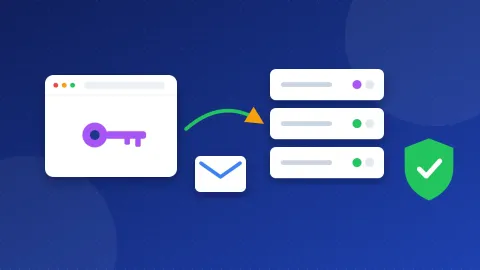
- Your SMTP login. Find it under Settings, SMTP & API. Older accounts use the account email. Newer ones get an address like
12345@smtp-brevo.com. Changing your account email does not change this login. - An SMTP key. Make one on the same page. Copy it straight away. A key is a long password made for apps.
- A verified sender or an authenticated domain. Brevo sends a 6-digit code to verify a new sender. If you authenticate your domain, you skip that step for each address.
- Transactional sending switched on. On new accounts, Brevo may ask you to request this through support first.
How do I use the Brevo SMTP settings in WordPress?
WP Mail SMTP has a Brevo mailer that uses an API key. If you would rather use plain SMTP, pick Other SMTP and follow these steps:
- Install and activate WP Mail SMTP, then open its settings.
- Set From Email to a verified sender on your own domain. Tick Force From Email.
- Choose Other SMTP as the mailer.
- Enter
smtp-relay.brevo.comas the SMTP Host. - Pick TLS and port 587. Brevo says to choose SSL only when you use port 465.
- Turn on Authentication. Paste your SMTP login as the username and the SMTP key as the password.
- Save and send a test email from the Tools tab.
Never put your @smtp-brevo.com login in the From field. Brevo says it must not appear there. FluentSMTP and Post SMTP use the same values.
Can I use Brevo in an email app or on my phone?
Only for sending, and it is rarely worth it. Brevo has no inbox, so you cannot read mail with it. Most people keep their normal mailbox for reading and writing, and use Brevo only for mail that a website or app sends on its own.
What do common Brevo SMTP errors mean?
Brevo's help pages list these causes:
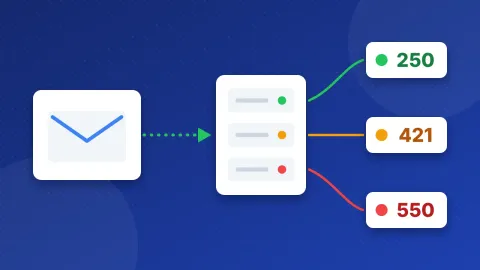
- 535 5.7.8 authentication failed: the login or key is wrong. Use the SMTP login, not the server name. Use an SMTP key, not an API key. Remove spaces. Some apps cut long keys short, so Brevo suggests trying a 15-character key. Also make sure the security choice matches the port.
- 525 5.7.1 unauthorized IP address: IP blocking is on for your keys, and your server's IP is not on the allowed list.
- 450 your SMTP account is not yet activated: transactional sending is not switched on yet. Ask Brevo support to activate it.
- Sender not verified: the From address has not been verified, or your domain is not authenticated.
- No reply from the server or a timeout: a firewall or your host blocks the port. Some cloud hosts block mail ports on new accounts. Try port 2525.
Why do my emails land in spam?
Brevo asks you to authenticate your domain before you send. That step adds DKIM and other records to your DNS, and it helps Gmail, Yahoo and Microsoft trust your mail. Three DNS records do most of the work. SPF lists the servers that may send for your domain. DKIM adds a digital signature to each message. DMARC tells inboxes what to do when those checks fail.
Start with our guide what is an SPF record. Then run your domain through the DNS and Email Checker to see which records are missing.
The Brevo SMTP settings are simple once you know where the key lives: smtp-relay.brevo.com, port 587 with TLS, your SMTP login and an SMTP key. Verify your sender, then run a quick check in the SMTP Tester. Need settings for another service? See our SMTP settings list.
Frequently asked questions
Is the Brevo SMTP key the same as an API key?
No. Brevo makes them in the same place, but SMTP needs an SMTP key. Brevo's help says an API key used as the SMTP password causes a 535 error. Make an SMTP key on the SMTP & API page.
Which port should I use for Brevo SMTP?
Brevo suggests port 587 with TLS as the default. Use 465 if you want SSL. If your host blocks 587, port 2525 is the usual way around it.
Can I send from a Gmail address through Brevo?
It is better to send from an address on your own domain. You can only authenticate a domain you control, and Gmail, Yahoo and Microsoft check that the sender domain is authenticated. Mail from a free address sent through Brevo is more likely to fail those checks.