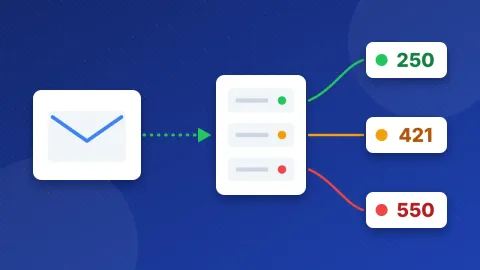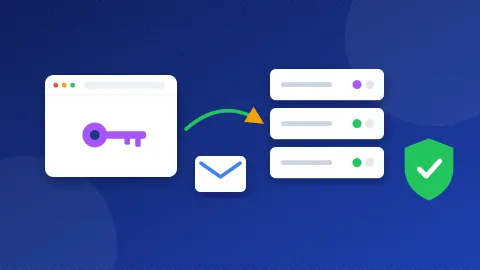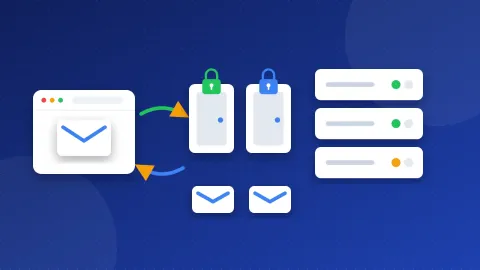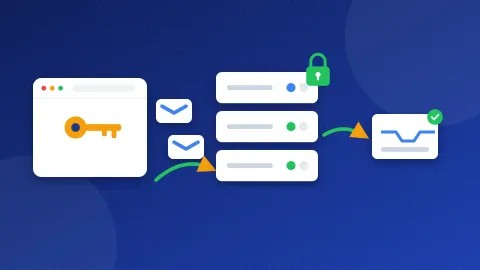
The Gmail SMTP settings are: server smtp.gmail.com, port 587 with STARTTLS, or port 465 with SSL. You log in with your full Gmail address and an app password, not your normal password. You need 2-Step Verification turned on before Google lets you make an app password.
| Setting | Value | Notes |
|---|---|---|
| SMTP server | smtp.gmail.com | Outgoing mail |
| Port and security | 587 with STARTTLS, or 465 with SSL | Use 587 first |
| Username | Your full Gmail address | For example name@gmail.com |
| Password | App password | Needs 2-Step Verification |
| IMAP (incoming) | imap.gmail.com, port 993, SSL | Keeps mail in sync |
| POP (incoming) | pop.gmail.com, port 995, SSL | Downloads mail |
Before you paste these values into a plugin, you can test these Gmail SMTP settings in the free SMTP Tester. The host and port are already filled in. It checks the connection and the security certificate without a password. If you add your app password, it can also send one test message to you.
What do SMTP, IMAP, ports and SSL mean?
SMTP is the system that sends email. Your website or email app hands a message to Google's SMTP server, and Google delivers it. IMAP and POP do the opposite job. They bring mail into your app. IMAP keeps your inbox the same on every device, while POP downloads a copy.
A port is like a door number on the server. SSL and TLS lock the connection so nobody can read your login on the way. With port 465, the lock is on from the first second. With port 587, the connection starts open and then switches the lock on with a command called STARTTLS. Both are safe.
What do you need before you start?
Google no longer lets most apps log in with just your Gmail username and password. Its help pages say to use "Sign in with Google" where an app offers it. A WordPress SMTP plugin or a contact form often has no such button. In that case you need an app password.
An app password is a separate 16-digit code that one app uses instead of your real password. You can delete it at any time without touching your main login. Here is how to get one:
- Turn on 2-Step Verification in your Google Account. Google only shows app passwords after this step.
- Open the App Passwords page in your Google Account and sign in again if asked.
- Type a name you will recognize, such as "WordPress site", and create the password.
- Copy the code right away and keep it somewhere safe.
Google says you may not see this option if your account uses only security keys, has Advanced Protection, or belongs to a work or school. Google also deletes your app passwords when you change your main password, so you would then make a new one.
How do you use the Gmail SMTP settings in WordPress?
WordPress sends mail through your web host by default, and some of those messages never arrive. An SMTP plugin fixes that by sending through Gmail instead. In WP Mail SMTP, choose the "Other SMTP" mailer and fill in the fields like this:
- SMTP Host:
smtp.gmail.com - Encryption: TLS (this is STARTTLS on port 587). Choose SSL only if you use port 465.
- SMTP Port: 587
- Authentication: on
- SMTP Username: your full Gmail address
- SMTP Password: the app password, with no spaces
- From Email: the same Gmail address
Save the settings and send a test email from the plugin. FluentSMTP and Post SMTP use the same values, though the field names differ a little. Keep the From address equal to your Gmail address so the sender matches the login. If you want mail to come from your own domain instead, read the guide to cPanel email SMTP settings.
How do you add Gmail to an email app or phone?
Most current apps, such as Outlook, Thunderbird and Apple Mail, find Gmail on their own. Pick "Google" when you add the account and sign in on Google's page. If an older app asks for servers, use IMAP imap.gmail.com on port 993 with SSL and the SMTP values above. Google lets one account connect to up to 15 email apps at a time.
Does Gmail limit how much you can send?
Yes. Gmail Help says you may hit a sending limit if you send more than 500 emails in a day, or one email to more than 500 people. When that happens, Gmail blocks sending for a while. Google says you should be able to send again within 1 to 24 hours.
These limits are fine for contact forms and order notices on a small site. They are far too low for newsletters. Use a mailing service for bulk mail, and keep Gmail for one-to-one messages.
What do common Gmail SMTP errors mean?
- "Username and password not accepted" or 535 authentication failed: the login was wrong. Check that you used the app password and your full address.
- 534 application-specific password required: you typed your normal password. Make an app password and use it instead.
- 530 must issue a STARTTLS command first: the port is 587 but encryption is off. Set it to TLS.
- Connection timed out: your web host blocks that port. Try the other port, or ask your host to open 587 or 465.
- "Too many simultaneous connections": too many apps use the account at once. Sign out of a few.
If the plugin shows a timeout, run the SMTP Tester from your browser. If the tester connects but your site cannot, the block sits on your hosting server, not at Google.
Why do emails sent through Gmail land in spam?
Mail from a Gmail address that Gmail itself sends usually passes its checks. Trouble starts when the From address uses your own domain. Then your domain needs SPF, DKIM and DMARC records. These are DNS notes that tell other mail servers who may send for you. Read what an SPF record is to learn the basics.
You can then run your domain through the free DNS & Email Checker to see which records exist and which are missing. Fix any gaps before you send a lot of mail. Also avoid spam-like subject lines and always include a real reply address.
With the Gmail SMTP settings in place, your site can send password resets and form alerts through Google's servers. Run one last check in the SMTP Tester after any change, and compare other providers in the list of SMTP settings for other email providers.
Frequently asked questions
Can I use my normal Gmail password for SMTP?
In most cases, no. Google no longer supports apps that sign in with only your username and password. Use "Sign in with Google" where the app offers it. Otherwise, turn on 2-Step Verification and make an app password.
Should I use port 587 or 465 for Gmail?
Both work. Port 587 uses STARTTLS and port 465 uses SSL from the start. Try 587 first. If your host blocks it, switch to 465 and set the encryption to SSL.
Why did my Gmail SMTP stop working after I changed my password?
Google deletes all your app passwords when you change your Google Account password. Create a new app password and paste it into your plugin or app. Then send a test email to confirm it works.