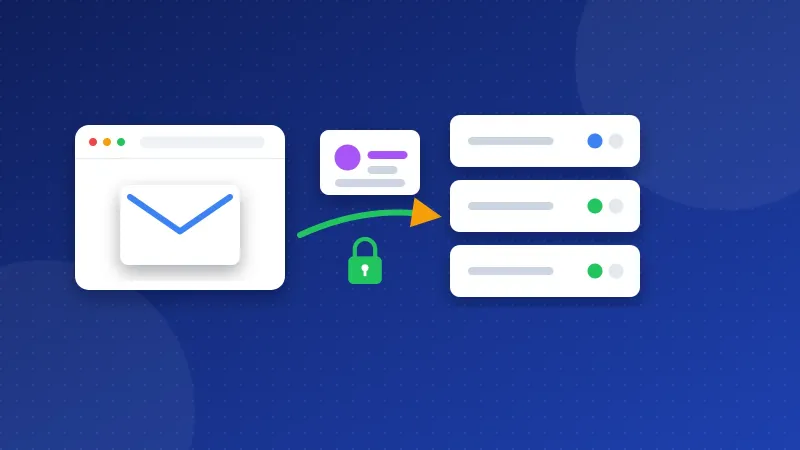
The Outlook SMTP settings for Outlook.com are: server smtp-mail.outlook.com, port 587, encryption STARTTLS. Your username is your full Outlook.com, Hotmail or Live address. Microsoft says Outlook.com requires modern sign-in (OAuth2), so a plain password login may not work in every app.
| Setting | Value | Notes |
|---|---|---|
| SMTP server | smtp-mail.outlook.com | Outgoing mail |
| Port and security | 587 with STARTTLS | The only port Microsoft lists |
| Username | Your full email address | For example name@outlook.com |
| Password | Modern sign-in (OAuth2); app password in some cases | Microsoft account password if the app asks |
| IMAP (incoming) | outlook.office365.com, port 993, SSL/TLS | Turn on IMAP first |
| POP (incoming) | outlook.office365.com, port 995, SSL/TLS | Turn on POP first |
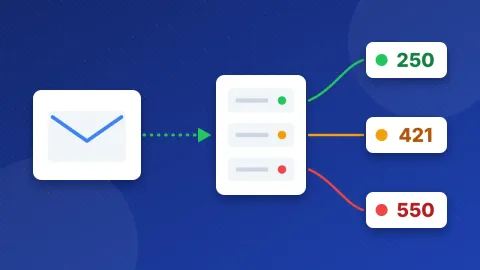
You can test these Outlook SMTP settings in the free SMTP Tester before you touch your site. The host and port are already filled in. The first check needs no password and shows whether the server answers and the lock works. With your login it can send one test message.
What do SMTP, IMAP, POP and STARTTLS mean?
SMTP is the part of email that sends. Your app gives the message to Microsoft's SMTP server, and Microsoft passes it on. IMAP and POP bring mail in. IMAP keeps every device in sync. POP downloads a copy to one device.
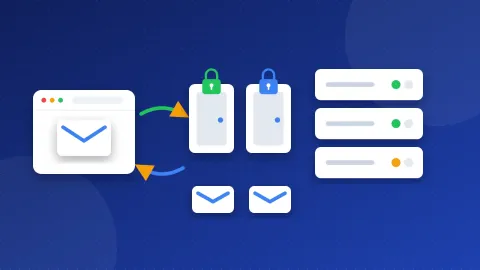
A port is a door number on the server. Port 587 starts as a plain connection. Your app then sends a STARTTLS command, which switches on TLS encryption. TLS is a lock that hides your login and your message from anyone on the network.
What do you need before you start?
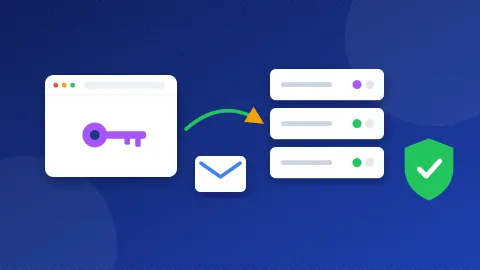
First, check how your app signs in. Microsoft's help page says Outlook.com requires "Modern Auth / OAuth2". OAuth2 means the app opens a Microsoft sign-in page, and you approve access there. The app gets a token, which is a kind of pass, and never sees your password.
Microsoft also says you can use your Microsoft account password, and that some devices may need an app password. An app password is a separate code for one app. If an app only has boxes for a username and password and keeps failing, it probably does not support OAuth2.
Second, if you want an email app to read mail with IMAP or POP, turn that on. Microsoft says POP and IMAP access is off by default:
- Sign in to Outlook.com in your browser.
- Open Settings, then Mail, then Forwarding and IMAP.
- Switch on POP or IMAP, as you need.
- Select Save.
How do you use Outlook SMTP settings in WordPress?
A WordPress SMTP plugin replaces the host's built-in mail with a real mailbox. Because Outlook.com wants OAuth2, look first for a plugin mailer that signs in with a Microsoft account. That kind of option walks you through the Microsoft sign-in page and stores the token for you.
If you only have a generic option, such as "Other SMTP" in WP Mail SMTP, fill it in like this:
- SMTP Host:
smtp-mail.outlook.com - Encryption: TLS (STARTTLS)
- SMTP Port: 587
- Authentication: on
- SMTP Username: your full Outlook.com address
- SMTP Password: your password or app password
- From Email: the same Outlook.com address
Then send a test email from the plugin. If the login fails while the tester shows a good connection, the cause is almost always the password login. Switch to an OAuth2 mailer. If your address ends in your company domain and runs on a work plan, read Microsoft 365 SMTP settings instead, because work accounts follow different rules.
How do you add Outlook.com to an email app or phone?
Most current apps know Outlook.com. Choose "Outlook" or "Microsoft" when you add the account, then sign in on the Microsoft page. If an app asks for servers, use IMAP outlook.office365.com on port 993 with SSL/TLS and the SMTP values above.
Does Outlook.com limit how much you can send?
Yes. Microsoft's sending limits page lists these numbers for Microsoft 365 subscribers:
- 5,000 recipients per day
- 500 recipients in one message
- 1,000 new recipients per day (people you have never emailed)
Microsoft says the limits are lower for people without a subscription, and a new account may start with a low limit. Contact forms stay far below these numbers. For newsletters, use a mailing service.
What do common Outlook SMTP errors mean?
- 535 authentication failed: Microsoft refused the login. Check the address, then try an app password or an OAuth2 mailer.
- 530 must issue a STARTTLS command first: the encryption is off. Set it to TLS on port 587.
- Connection timed out: your web host blocks port 587. Ask your host to open it, because Microsoft lists no other port.
- 550 or 553 sender not allowed: the From address does not match the mailbox. Use the same address you log in with.
Why do emails from your site land in spam?
Spam filters check where a message came from. When you send as your Outlook.com address through Microsoft's servers, that check mostly takes care of itself. Problems show up when your site sends as an address on your own domain. Then the domain needs SPF, DKIM and DMARC records. These DNS records tell receiving servers who may send for you.
Start by learning what an SPF record is. Then run your domain through the free DNS & Email Checker to see which records are missing.
The Outlook SMTP settings are short: one server, one port and STARTTLS. Most trouble comes from the sign-in method, so test in the SMTP Tester first and pick an OAuth2 mailer if passwords fail. You can compare other providers in our list of SMTP settings for other email providers.
Frequently asked questions
Is smtp-mail.outlook.com the same as smtp.office365.com?
Microsoft lists smtp-mail.outlook.com for personal Outlook.com accounts. It lists smtp.office365.com for work and school accounts on Microsoft 365. Use the one that matches your account type.
Can I use port 465 with Outlook.com?
Microsoft's Outlook.com settings page lists only port 587 with STARTTLS for sending. Use 587. If your host blocks it, ask the host to open it rather than guessing another port.
Does this work for Hotmail and Live addresses?
Yes. Hotmail, Live and MSN addresses are Outlook.com accounts. They use the same server, port and sign-in rules as an address that ends in outlook.com.