About Rich Results Test
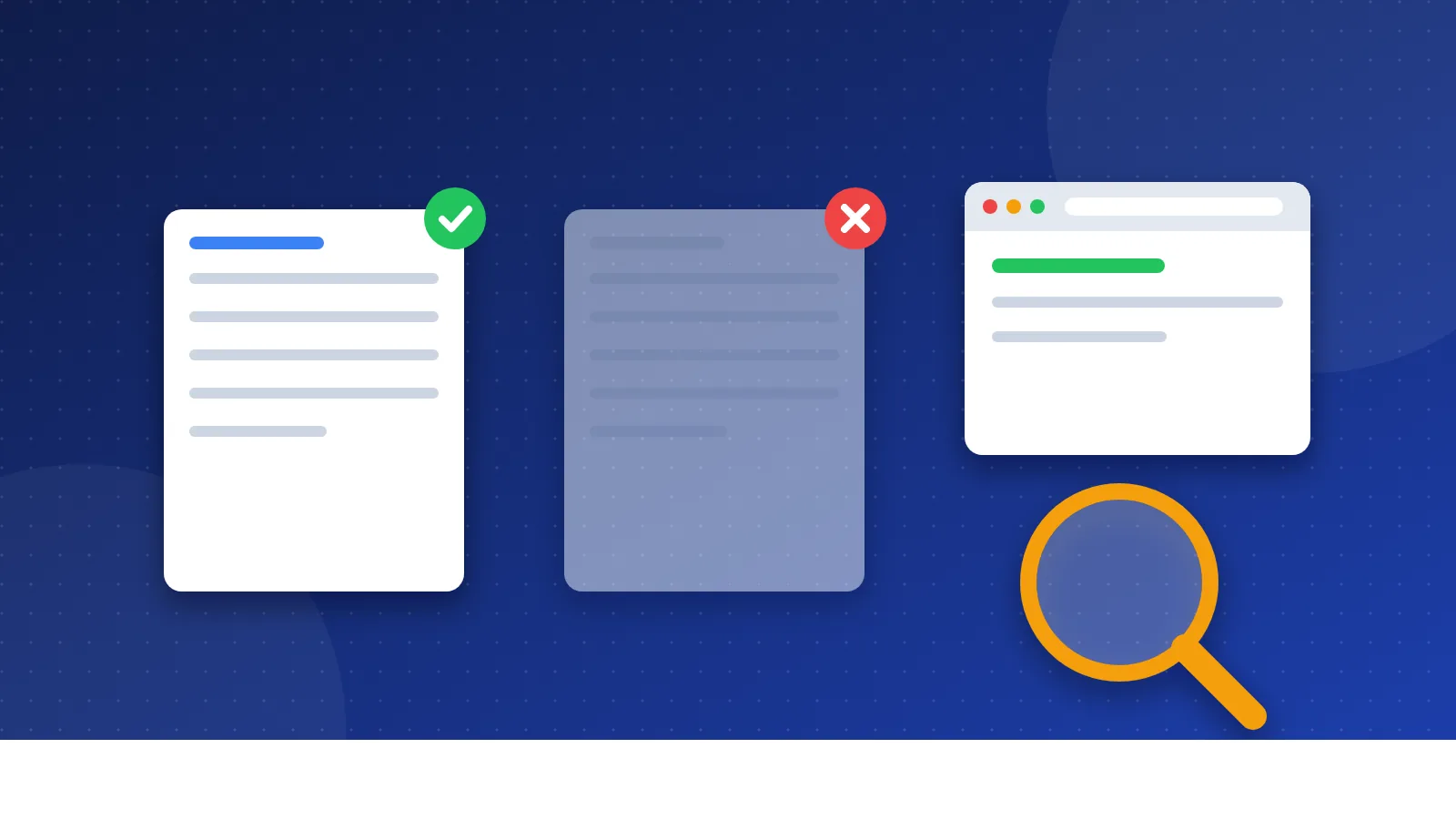
The rich results test for schema markup is Google's free tool for checking whether your structured data can produce rich results in Google Search. You paste a URL or a piece of code, and it lists the rich result types it found, along with any errors and warnings. It is the official check before and after you add schema to a page.
Structured data is code that describes a page in a fixed format, such as "this is a recipe" or "this is a product with this price". Schema markup is the most common vocabulary for it. Rich results are search results with extra features, such as stars, images or FAQ drop-downs.
What does the Rich Results Test check?
The tool reads the structured data on your page and compares it with Google's rules for each rich result type. It supports the three common formats: JSON-LD, RDFa and Microdata. For each item it finds, it shows:
- Valid items: markup that can support a rich result.
- Warnings: optional fields that are missing. The result may still show, but with less detail.
- Errors: required fields that are missing or wrong. These items cannot show as rich results.
- A preview: for some types, a rough idea of how the result could look.
You can test as a smartphone crawler or a desktop crawler. Smartphone is the default, which matches how Google crawls most sites.
Is the Rich Results Test free?
Yes. The tool is free and needs no account. You do not have to own the page you test. You can check any public URL, or paste code that is not live yet.
What are the limits of the Rich Results Test?
- Google types only. It checks only the rich result types Google supports. Other schema types show no result, even when the code is fine.
- No promise of display. Google says it does not guarantee that your structured data will show in search results, even if it is correct.
- Public pages only. The page and its resources must be open to anyone on the internet. Pages behind a login or blocked by robots.txt fail.
- One page at a time. For a site-wide view, use the rich result reports in Google Search Console.
- Not a content check. It checks code, not whether the markup matches what visitors see. Markup that does not match the page breaks Google's guidelines.
To check schema types that Google does not use, try the Schema Markup Validator from schema.org. It validates all schema.org markup without Google-specific warnings.
How do you use the rich results test for schema markup?
- Open the Rich Results Test page from Google.
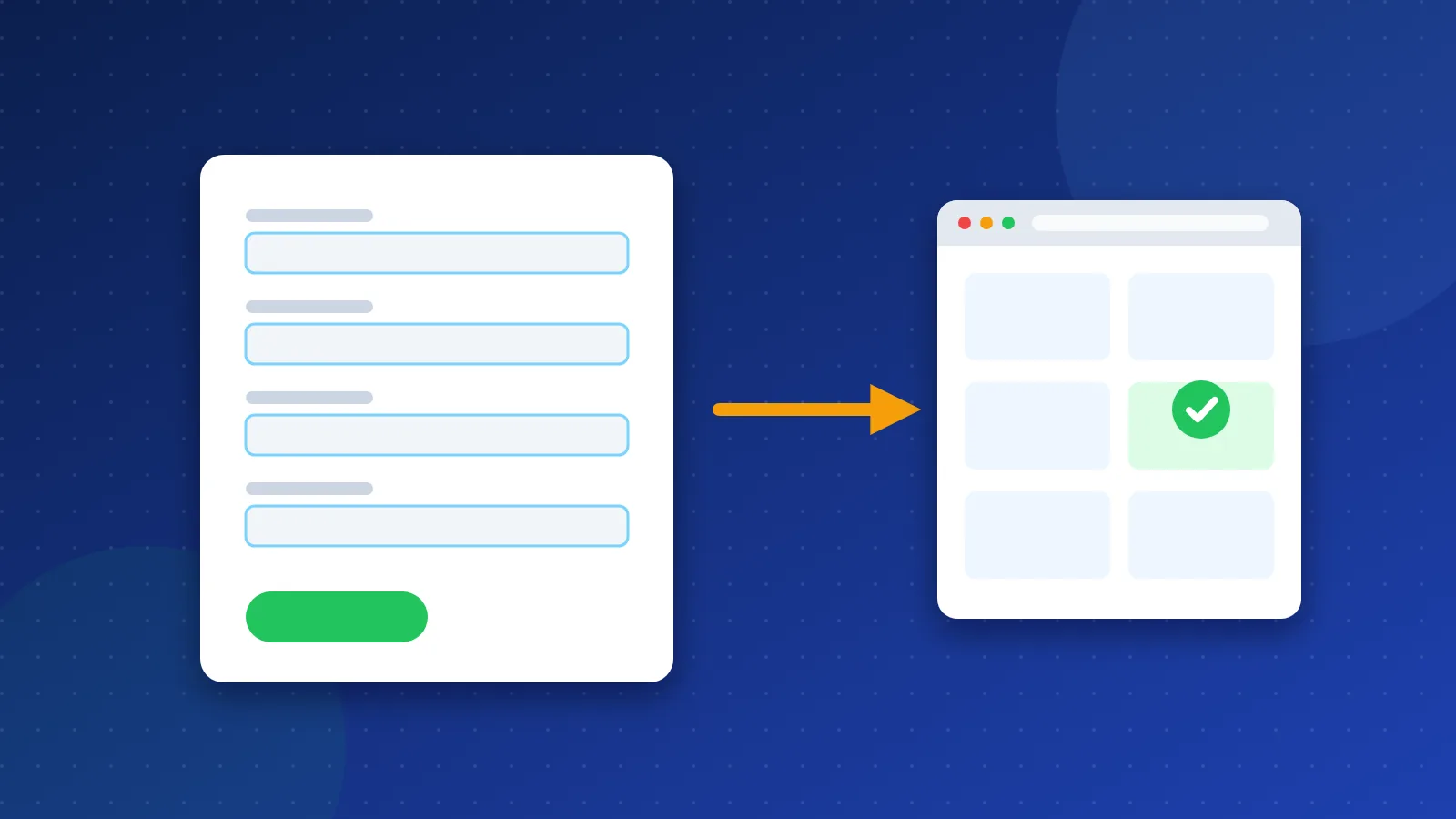
- Choose "URL" and paste the full address of a live page, or choose "Code" and paste your HTML or JSON-LD.
- Click "Test URL" or "Test code" and wait a few seconds.
- Read the summary. It tells you which rich result types are valid.
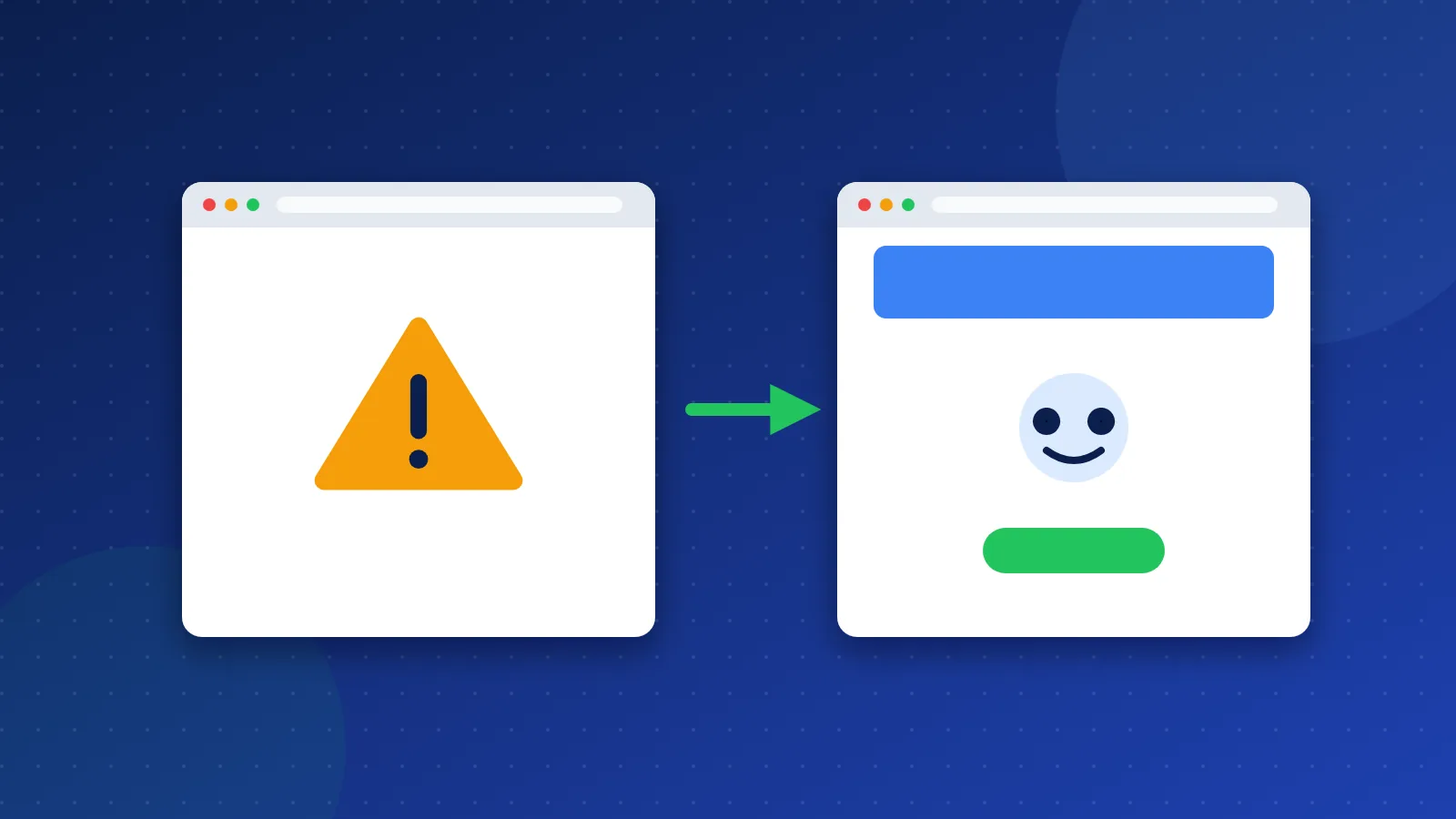
- Open each item and fix the errors first, then the warnings that make sense for your page.
- Test again until the errors are gone.
- For a live page, ask Google to recrawl it with URL Inspection in Search Console.
If the test says the page is blocked, check your robots.txt file. Our robots.txt generator helps you write a clean file. To check whether Google has the page in its index at all, see our guide on how to check if a page is indexed by Google.
Which pages should you test first?
Start with page types where rich results add the most value. A recipe page can show a photo and cooking time. A product page can show price and stock. An event page can show a date and place. These features can make your result stand out and earn more clicks.
Next, test your page templates rather than every single page. If your blog template creates Article markup, test one post. If it passes, the others built from the same template will usually pass too. Then use Search Console to spot pages that break the pattern.
Also test after any theme or plugin update. Updates can change or remove markup without warning.
What are the alternatives?
- Schema Markup Validator checks all schema.org types, not only Google's.
- Google Search Console shows rich result reports for your whole site, plus URL Inspection.
- Screaming Frog SEO Spider can find and check structured data across many pages in one crawl.
Find more free checkers in our SEO tools directory.
Run the rich results test for schema markup every time you add or change structured data. It catches missing fields before Google does. Just remember that a clean test makes a page eligible, and Google still decides whether to show the rich result.
Frequently asked questions
Why does the Rich Results Test show no items?
Either the page has no structured data, or it uses a schema type that Google does not turn into rich results. Check the page source for JSON-LD, or test the code in the Schema Markup Validator.
My test passed, so why is there no rich result in Google?
A valid test only means the page is eligible. Google decides whether to show a rich result based on the search, the user and the quality of the page. It can take time after Google recrawls the page.
Do warnings in the Rich Results Test hurt my ranking?
No. Warnings point to optional fields. Your page can still get a rich result with warnings. Fix them when the missing data is real and useful, such as a price or a rating.