A thin content checker shows which pages on your site say too little, or say the same thing as another page. Enter your home page or sitemap above. The tool reads each page once, counts the words of the main text only, compares the pages with each other and tells you what to do with each one: expand, merge, rewrite, noindex or leave it.
What thin content is
Thin content is a page that gives a visitor little or nothing they could not get elsewhere on your site. Google's spam policies name the worst cases: pages made only to rank, scraped text and doorway pages. Most thin pages on a normal blog are not spam at all. They are small things that pile up over the years:
- Short posts that were never finished, such as a recipe with three lines of text.
- Tag and category pages that list two posts and nothing else.
- Look-alike pages, such as one page per city where only the address changes.
- Old pages that a newer, better page has replaced.
Each one alone does little harm. Together they make Google spend its time on pages that do not deserve it, and they are a common reason behind "Crawled, currently not indexed" and "Discovered, currently not indexed" in Search Console.
How to use the thin content checker
- Enter your site or sitemap. With a home page address, the tool looks for the sitemap in robots.txt, then at /sitemap.xml, /sitemap_index.xml and /wp-sitemap.xml. With no sitemap, it uses the links on the home page.
- Pick your line. 300 words is a good start for articles. Use 200 for a site of short news or product pages, 500 for long guides.
- Keep "Find look-alike pages" on to compare every page with every other page.
- Press Find thin pages and wait. Each page takes about a second.
- Read the list from the top. Pages that do not open come first, then merges, then pages to expand.
The standard level reads 10 pages. PRO reads up to 100 and the CSV holds every page with its word count.
How the check works
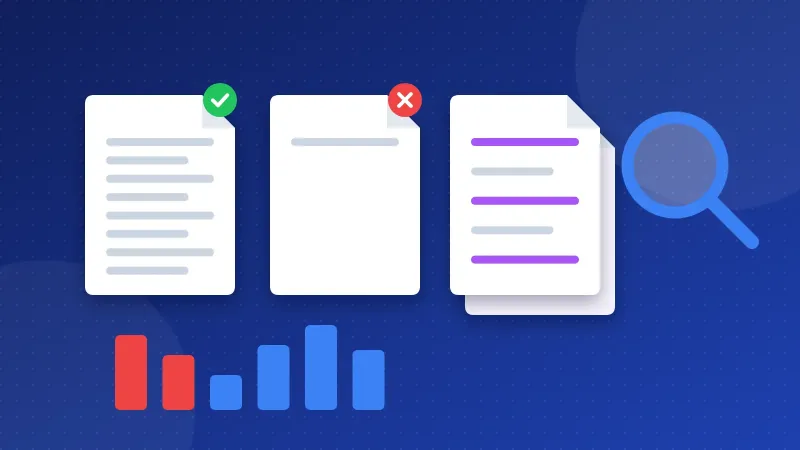
| Step | What the tool does |
|---|---|
| Main text | Removes menus, header, footer, sidebar, forms and comments, then counts the words in the main part or article part of the page |
| Look-alike pages | Cuts each text into runs of five words and checks how many runs of the shorter page also appear on the other page. 70% or more is a look-alike |
| Noindex and canonical | Reads the robots meta tag, the X-Robots-Tag header and the canonical link, so pages that are already kept out of Google are marked as fine |
| Advice | Picks one action per page from its length, its type (tag, paged list, contact page) and its look-alike partner |
What to do with each result
- Expand. The topic is real but the page says too little. Add what a reader looks for next: steps, numbers, examples, a photo, a short answer to the next question.
- Merge. Two pages cover the same thing. Keep the stronger one, move the useful parts into it and send the other address there with a 301 redirect.
- Rewrite. Two pages of the same length share most of their text. Add what is different about each one, or merge them.
- Noindex. A tag, category or paged list with almost no text. Set it to noindex or take it out of the sitemap.
- Leave. Contact, legal and thank-you pages, and pages that are already noindex. Short is fine there.
Word count is not a Google ranking factor. Google has said many times that a page should be as long as the answer needs. A 200-word page can be the best result for a simple question. Use the list as a map of where to look first, not as a list of pages to delete. Once you have changed a page, check its words and readability in the Word Counter, and see the whole site's other problems in the Website SEO Checkup.
Run the thin content checker again a few weeks after your changes, then look at the page indexing report in Search Console to see whether more of your pages are indexed.
Frequently asked questions
How many words make a page thin?
There is no fixed number. Under 300 words of main text is a useful line for articles, but a short page that fully answers its question is fine. Look at what the page is for before you add text.
Why does the tool count fewer words than my editor?
Your editor counts everything you typed. The tool counts what the page shows inside its main content, after menus, sidebars and footers are removed. Image captions inside the article still count.
Is my site stored anywhere?
No. Each page is read once through Bloghints' server and passed straight to your browser, where the counting happens. Nothing is saved, and the result is gone when you close the page.