This mixed content checker finds every file on an https page that still loads over plain http, such as an image, a script, a font or a video. Enter your page address, or paste the page source if your site blocks our checker, and you get a list of each http:// file, what kind it is, whether browsers block it, and the https:// address to use instead. It runs in your browser and stores nothing.
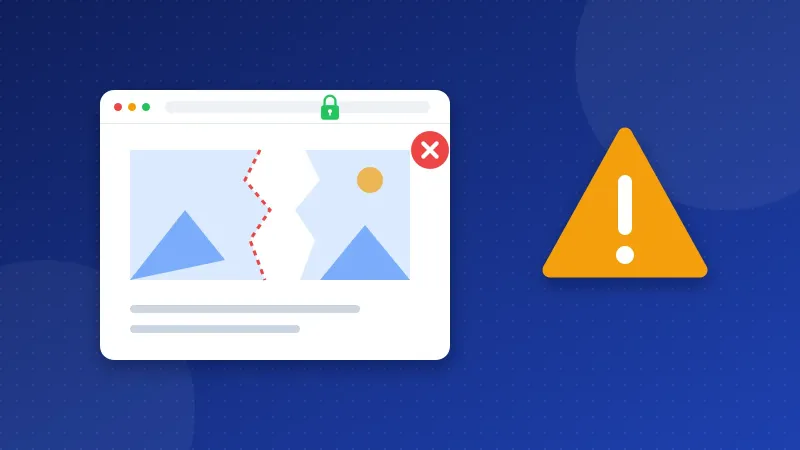
Mixed content means a secure page that pulls in some files the insecure way. The padlock in the address bar can disappear, images can go missing, and a blocked script can break a menu or a form. It usually happens after a site moves from http to https and old links stay in posts, themes or settings.
Active vs passive: what does the mixed content checker report?
Browsers treat two kinds of mixed content differently, and the checker shows which is which.
| Kind | Examples | What the browser does |
|---|---|---|
| Active (blockable) | Scripts, style sheets, iframes, fonts, fetch calls | Blocks the file, so parts of the page can break |
| Passive (upgradable) | Images, audio, video | Tries https first; shows nothing or a warning if that fails |
| Plain links | <a href="http://…"> | Nothing; listed separately, not a mixed content error |
Active mixed content is the urgent part, because a blocked script or style sheet changes how the page works. Passive files are less risky, but fix them too. The checkup and the browser console still count them.
How to use the checker
- Enter the page address with https, for example https://yoursite.com/blog/post.php. The tool fetches it through this site's own fetcher.
- If the site blocks the fetch, open the page, press Ctrl+U (Mac: Cmd+Option+U), copy all the source and paste it into the second tab.
- Read the summary. It counts active files, passive files and plain http links.
- Work through the table. Each row shows the tag, the old address and the https version to try.
- Test the https address in a new tab before you change anything. If it does not load, host the file yourself or remove it.
Check a few kinds of pages: the home page, a post with images, a page with a form, and a page with embedded videos. Old content often hides problems that the home page does not have. With PRO, tick Scan the whole site and the checker follows your internal links, up to 500 pages, and shows on which pages each http:// file appears.
How do I fix mixed content?
The real fix is to change every http:// address to https:// at the source. Where that source is depends on how the file got there.
- In posts and pages: edit the content, or run a search and replace on the database for your own old address (http://yoursite.com to https://yoursite.com). Make a backup first.
- In the theme or template: look for hard-coded http:// links to fonts, scripts and images in the header and footer files.
- In site settings: make sure the site address in your CMS settings starts with https.
- Third-party files: most services also work on https. If one does not, replace it.
As a stopgap, you can send the header Content-Security-Policy: upgrade-insecure-requests. It tells browsers to ask for https versions of every file. It does not fix files that have no https version, so treat it as a safety net, not the cure.
Our guide How to Fix Mixed Content on HTTPS covers the whole move, including the 301 redirect from http to https. The .htaccess Redirect Generator writes that redirect for you.
How do I know it worked?
Run this mixed content checker on the same pages again until the active and passive counts are zero. Then open the page in Chrome, press F12 and look at the Console tab: mixed content warnings show there in yellow or red. Finally, run the free Website SEO Checkup. The Mixed content and HTTPS rows should both be green. Once they are, you can safely add an HSTS header with the Security Headers Generator.
Frequently asked questions
Does mixed content hurt SEO?
Not directly as a ranking factor. But blocked files can break the page for visitors and for Google's renderer, and a missing padlock makes people trust the site less. Fixing it is part of a clean HTTPS setup.
Why does the checker find nothing but Chrome still warns me?
Some files load later through JavaScript, so they are not in the page source. Open DevTools, reload the page and check the Console and Network tabs. The warning names the exact file.
Is upgrade-insecure-requests enough on its own?
No. It only helps when the https version of each file exists. Use it while you clean up, then change the addresses in your content and theme so the page is correct without it.