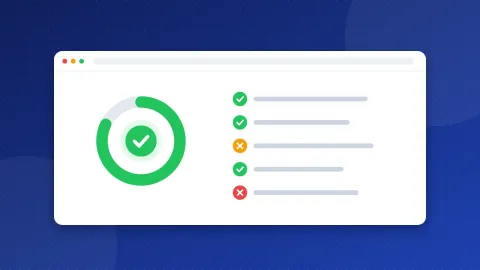
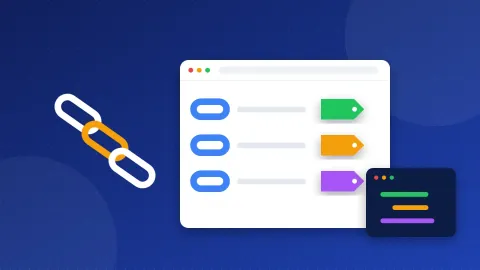
A robots.txt tester tells you whether one URL is allowed or blocked for one crawler, and which line in the file decides it. Load the robots.txt of any site, or paste a new version before you upload it, type a URL or path, and pick a crawler such as Googlebot, Bingbot or GPTBot. The tool marks the deciding line and shows the result for twelve crawlers at once.
Why test robots.txt rules at all?
robots.txt looks simple, but small details change the result. Disallow: /blog also blocks /blog-news/. A group for Googlebot replaces the * group for Google instead of adding to it. One stray slash can hide a whole section. Google removed its old robots.txt Tester from Search Console in 2023 and replaced it with a robots.txt report, which shows which file Google fetched and any errors, but not a quick "is this URL blocked?" check for a file you are still editing.
That is the gap this tool fills: test a change before it goes live, and see exactly why a URL is blocked.
How the robots.txt tester decides
The tool follows RFC 9309, the robots.txt standard published in 2022, and the way Google says it reads the file:
- Pick the group. A crawler looks for a group with its own name, for example
User-agent: Googlebot. Only if there is none does it use theUser-agent: *group. Groups with the same name are merged. - Find the matching rules. Each
AllowandDisallowpath is compared with the start of the URL path, including the query string. - The longest match wins. The rule with the most characters decides.
Allow: /admin/help/beatsDisallow: /admin/for/admin/help/page. - Allow wins a tie. When an Allow and a Disallow rule are the same length, Google uses the less restrictive one.
- No rule means allowed. If nothing matches, the crawler may fetch the URL.
Two special characters work in paths: * matches any run of characters, and $ marks the end of the URL. Disallow: /*.pdf$ blocks every PDF, but not /file.pdf?download=1. Paths are case-sensitive: /Admin/ and /admin/ are different rules.
Examples you can paste and try
| Rule | URL | Result |
|---|---|---|
Disallow: /search | /search?q=shoes | Blocked |
Disallow: /search | /searching-tips/ | Blocked (starts the same) |
Disallow: /search/ | /searching-tips/ | Allowed |
Disallow: /*? | /shop/?color=red | Blocked |
Disallow: / + Allow: /$ | / | Allowed (home page only) |
Disallow: (empty) | anything | Allowed |
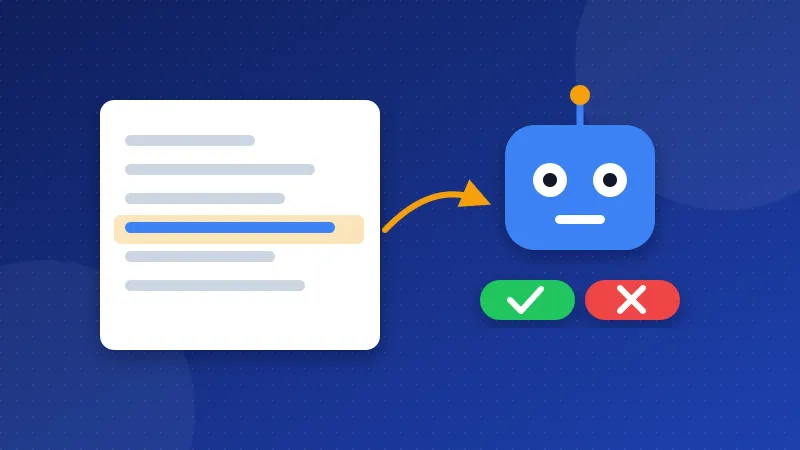
Search crawlers and AI crawlers are different bots
The crawler list in the tool separates search bots from AI training bots, because blocking one does not block the other:
- Googlebot crawls for Google Search. Google-Extended is not a separate crawler but a token that controls whether your content is used to train Gemini; blocking it does not affect Google Search.
- OAI-SearchBot finds pages for ChatGPT search, while GPTBot collects training data for OpenAI.
- Claude-SearchBot and ClaudeBot work the same way for Anthropic: one for search answers, one for training.
- CCBot builds Common Crawl, a public dataset that many AI models are trained on.
If you want to stay in AI search answers but keep your text out of training sets, allow the search bots and disallow the training bots. The "All crawlers at a glance" table shows at once whether your rules do what you meant.
Things robots.txt cannot do
- It does not remove pages from Google. A blocked URL can still appear in results, without a description, if other pages link to it. To keep a page out, allow crawling and add a
noindextag. - It hides noindex. If robots.txt blocks a page, Google never sees the noindex tag on it.
- It is not security. Anyone can read the file, and bad bots ignore it. Never list secret folders in it.
- Crawl-delay is ignored by Google. Bing and some others read it; Google does not.
Google also has rules for problems with the file itself. If robots.txt answers 404, Google treats the site as fully allowed. If the server answers with an error such as 500, Google stops crawling the site for a while, so a broken robots.txt can do more harm than a missing one. Google reads up to 500 KiB of the file and usually keeps a copy for up to a day, so changes are not seen at once.
A safe way to change your robots.txt
- Load your live file into the tester.
- Edit the rules in the box. Nothing is saved on your site.
- Test the important URLs: home page, a category, a post, an image, and the pages you want blocked.
- Check the all-crawlers table for each one.
- Upload the new file, then open the robots.txt report in Search Console to confirm Google fetched it.
To write a new file from scratch, use the Robots.txt Generator, then come back to this robots.txt tester to prove every rule does what you expect.
Frequently asked questions
Why is my URL blocked when I only disallowed a different folder?
Rules match the start of the path. Disallow: /blog also blocks /blog-archive/ and /blogroll. Add a trailing slash, Disallow: /blog/, to block only that folder.
Does Googlebot follow the * group if there is also a Googlebot group?
No. A crawler uses only the most specific group that names it. If you have a Googlebot group, repeat in it every rule from the * group that should also apply to Google.
Does this tester show what Google really fetched?
No. It tests the rules you load or paste. Google may hold an older copy for up to a day; the robots.txt report in Search Console shows the version Google last fetched.