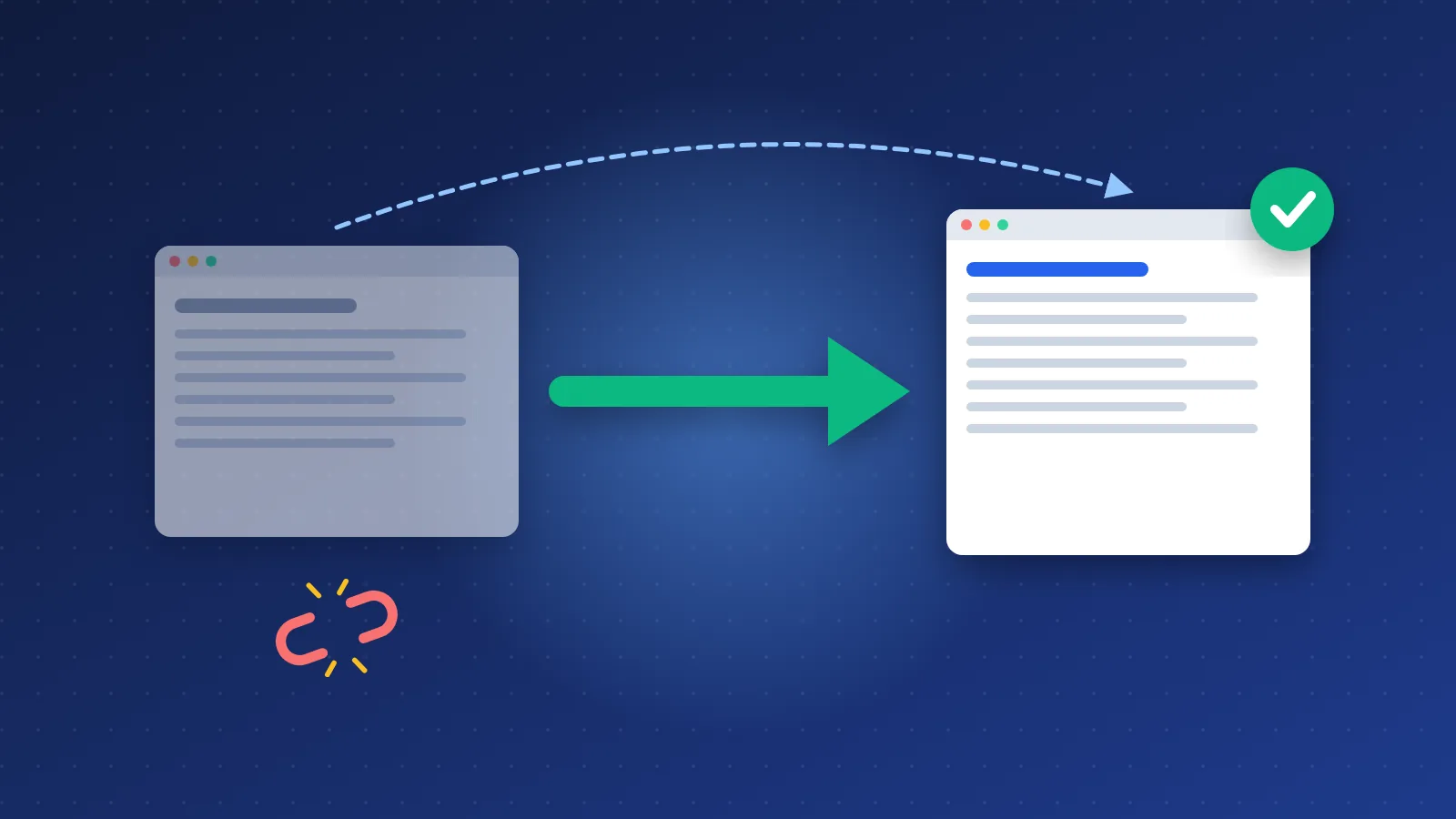
To 301 redirect old PHP URLs to a new CMS without losing rankings, start by asking whether you need a redirect at all: if the new CMS can answer on the exact same .php URLs, keep them and there is nothing to redirect. Every URL that does change should get a one-to-one, server-side 301 to its closest new equivalent, in a single hop, and you should watch 404s and Search Console closely for the first few weeks.
Most migration damage comes from URLs that quietly stopped working, mass redirects to the homepage, and chains nobody noticed. The process below avoids all three.
Keep the URL or redirect it? The decision rule
A URL that never changes needs no redirect, keeps every backlink pointing at the right place, and gives Google nothing to reprocess. That makes "keep it" the default. Redirect only when there is a real reason.
| Situation | Best action | Why |
|---|---|---|
| Same content, CMS can serve the same URL | Keep the URL | No signals to transfer, no risk |
| Content moved or URL pattern must change | 301 to the new URL | Permanent redirect, passes signals to the new address |
| Two thin pages merged into one | 301 both to the merged page | Users and links land on the content that replaced them |
| Page removed with no replacement | 410 or 404 | Honest signal; a forced redirect to an unrelated page is often treated as a soft 404 |
| Temporary move (maintenance, A/B test) | 302 or 307 | Tells Google the original URL stays canonical |
The "extension looks old-fashioned" argument is not a good reason on its own. Google does not care whether a URL ends in .php, .html or a trailing slash. Changing hundreds of working URLs for looks trades a cosmetic gain for weeks of reprocessing.
Mapping every old URL before the move
A redirect map is a spreadsheet with two columns: old URL and new URL. Build it before you touch the live site. Pull old URLs from every source you have, because each one misses something:
- Your current XML sitemap, if you have one.
- A full crawl of the old site with a desktop crawler or one of the free options in our SEO tools list.
- Search Console: export the pages from the Performance report (set a 16-month range) and from the Page indexing report.
- Your backlink data: the target URLs of external links. Old pages that no longer appear in the menu often still hold links.
- Server access logs: URLs that Googlebot and real visitors still request.
De-duplicate the list, normalise protocol and www, then fill in the new URL for each row. Rows where old and new are identical need nothing. Rows with a new URL become 301 rules. Rows with no sensible destination get a 410. Keep this spreadsheet; you will test against it after launch.
Keeping .php permalinks in a new CMS
Many people assume a new CMS forces new URLs. It does not. A modern PHP CMS usually sends every request through one front controller (index.php) and looks up the requested path in a database. The path can include .php just as easily as it can include a slash.
When Bloghints moved from hand-assembled PHP include files to its own CMS, this is the approach it took: every public page kept its existing .php address, such as /free-directory-list.php and the pages under /basic/. The general recipe looks like this:
- In Apache's
.htaccess, serve real files directly (RewriteCond %{REQUEST_FILENAME} !-f) and route everything else to the front controller (RewriteRule ^ index.php [L]). Once the old.phpfiles are deleted, their URLs fall through to the router. - Store each page's slug with the extension, for example
free-directory-list.php, or store the bare slug and let the router accept an optional.phpsuffix. - Pick one canonical form per page and output a matching
rel="canonical". If both/pageand/page.phpresolve, 301 the non-canonical version to the canonical one. - Generate the XML sitemap and all internal links from the same slug field, so menus, sitemaps and canonicals can never disagree.
Once a page is published, the admin should lock its URL or create a 301 automatically when someone edits a live slug.
Redirect chains and wildcard redirects to avoid
A redirect chain is when URL A redirects to B, which redirects to C. Chains slow users down and add points of failure, and Google's site move guidance recommends avoiding them. They creep in after repeated migrations or when protocol, www and path rules run as separate steps.
Watch for these patterns:
- Stacked rules: http to https, then non-www to www, then old path to new path. Combine them so every old variant reaches the final URL in one hop.
- Old redirects pointing at old targets: when you add new rules, update earlier rules so they point straight at the final destination.
- Catch-all redirects to the homepage: sending every unknown URL to
/looks tidy, but Google tends to treat irrelevant redirects like soft 404s, so the link value is lost anyway and users are confused. - Greedy regex wildcards: a pattern like
^(.*)\.php$rewriting to/$1/also catchesindex.php, admin scripts and form handlers. Test every wildcard against your full URL list before deploying it. - 302s left in place: some plugins and frameworks default to temporary redirects. For a permanent move, use 301 (or 308).
Test the map with a crawler in list mode or a short script that requests each old URL and records the status code and final destination. Every row should end in a 200 at the expected address, or a deliberate 410, in one hop.
Monitoring 404s and Search Console after launch
The first two weeks are when you catch problems cheaply. A practical routine:
- Day one: re-run the redirect map test against the live server. Submit the new sitemap. Use URL Inspection on a handful of key pages to confirm Google sees a 200 and the correct canonical.
- Daily for the first week: check server logs or a 404 log for URLs you missed. Real requests for missing pages are the best list of gaps you will ever get.
- Weekly for the first two months: in the Page indexing report, watch "Not found (404)", "Page with redirect" and "Soft 404". Compare clicks per page in the Performance report against the weeks before launch.
- External links: if any strong backlink points at an old URL, ask the linking site to update it, as covered in our guide to backlinks. The redirect works, but a direct link is cleaner.
Some movement in rankings is normal while Google recrawls. When URLs stayed the same, it is usually small; when many URLs changed, a dip lasting a few weeks is common, and Google's own documentation warns that a medium-sized site can take weeks to fully settle. Keep redirects in place for as long as you can; Google suggests at least a year, and in practice there is little reason ever to remove a working 301.
301 redirect old PHP URLs to a new CMS without losing rankings: checklist
- Default to keeping every working URL, including the
.phpextension. - Build a complete old-URL list from sitemap, crawl, Search Console, backlinks and logs.
- Map each changed URL to its closest equivalent; use 410 for pages with no replacement.
- Implement server-side 301s, one hop each, with no homepage catch-alls.
- Make canonicals, sitemaps and internal links use the final URLs.
- Test every row of the map before and after launch.
- Monitor 404 logs and Search Console daily, then weekly.
- Leave redirects in place for at least a year, ideally permanently.
Our webmaster lists hub is a working example of a large set of .php pages living on a modern CMS. Follow the checklist above and you can 301 redirect old PHP URLs to a new CMS without losing rankings as a routine job rather than a gamble: keep what works, map what changes, and watch the data until it settles.
Frequently asked questions
Do I lose PageRank when I use a 301 redirect?
Google has said that server-side permanent redirects pass signals to the new URL, so a correct one-to-one 301 is not a ranking cost in itself. Losses usually come from redirecting to irrelevant pages, chains, or URLs that were missed entirely.
Should I remove the .php extension when I move to a new CMS?
Only if you have a real reason, such as merging duplicate URL patterns. The extension has no SEO value either way, and keeping it means no redirects, no reprocessing and no broken backlinks.
How long should I keep 301 redirects after a migration?
Google recommends keeping them for at least one year. In practice, leave them in place permanently if you can, because old backlinks, bookmarks and other sites' pages keep sending visitors to those URLs for many years.