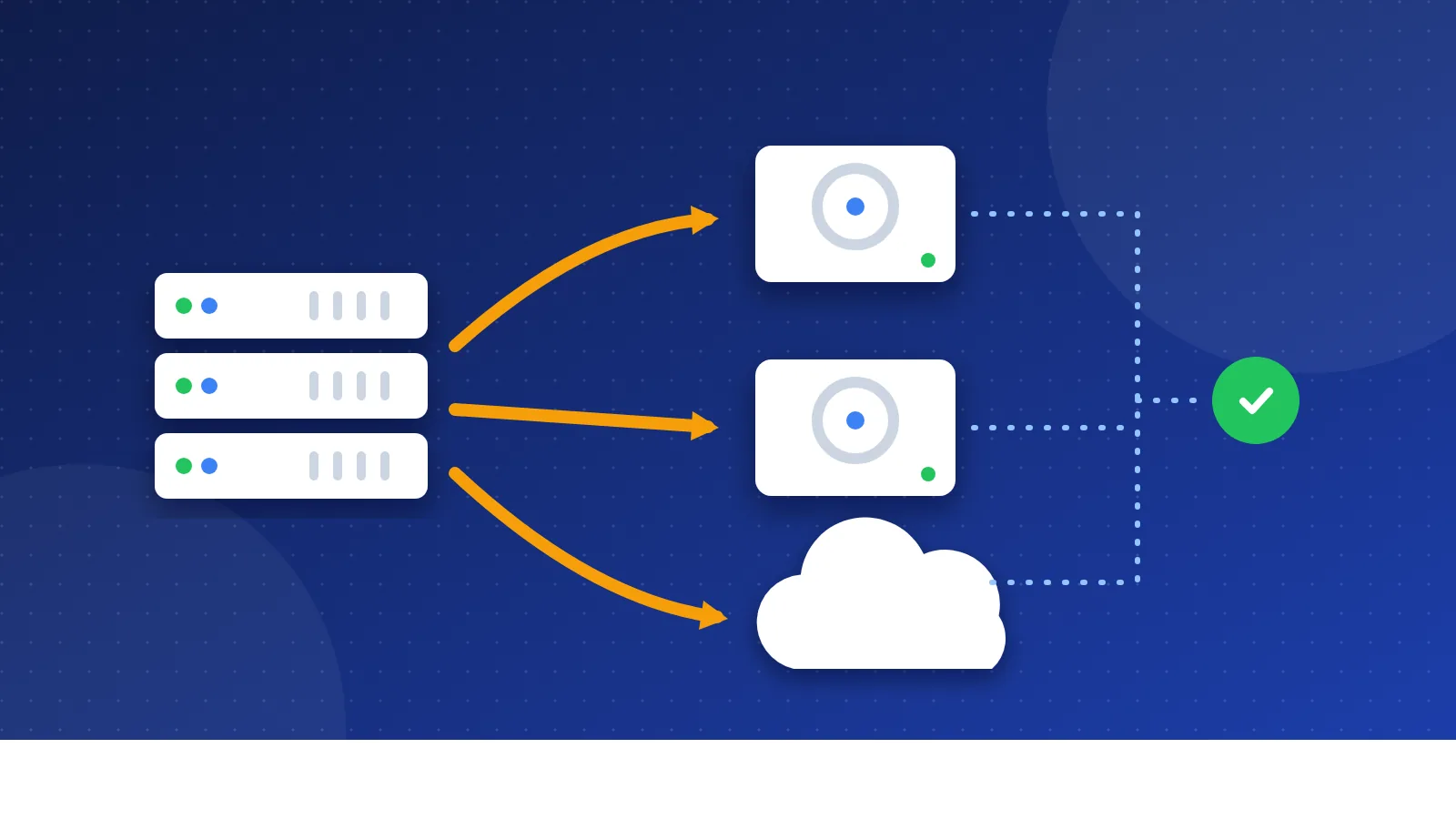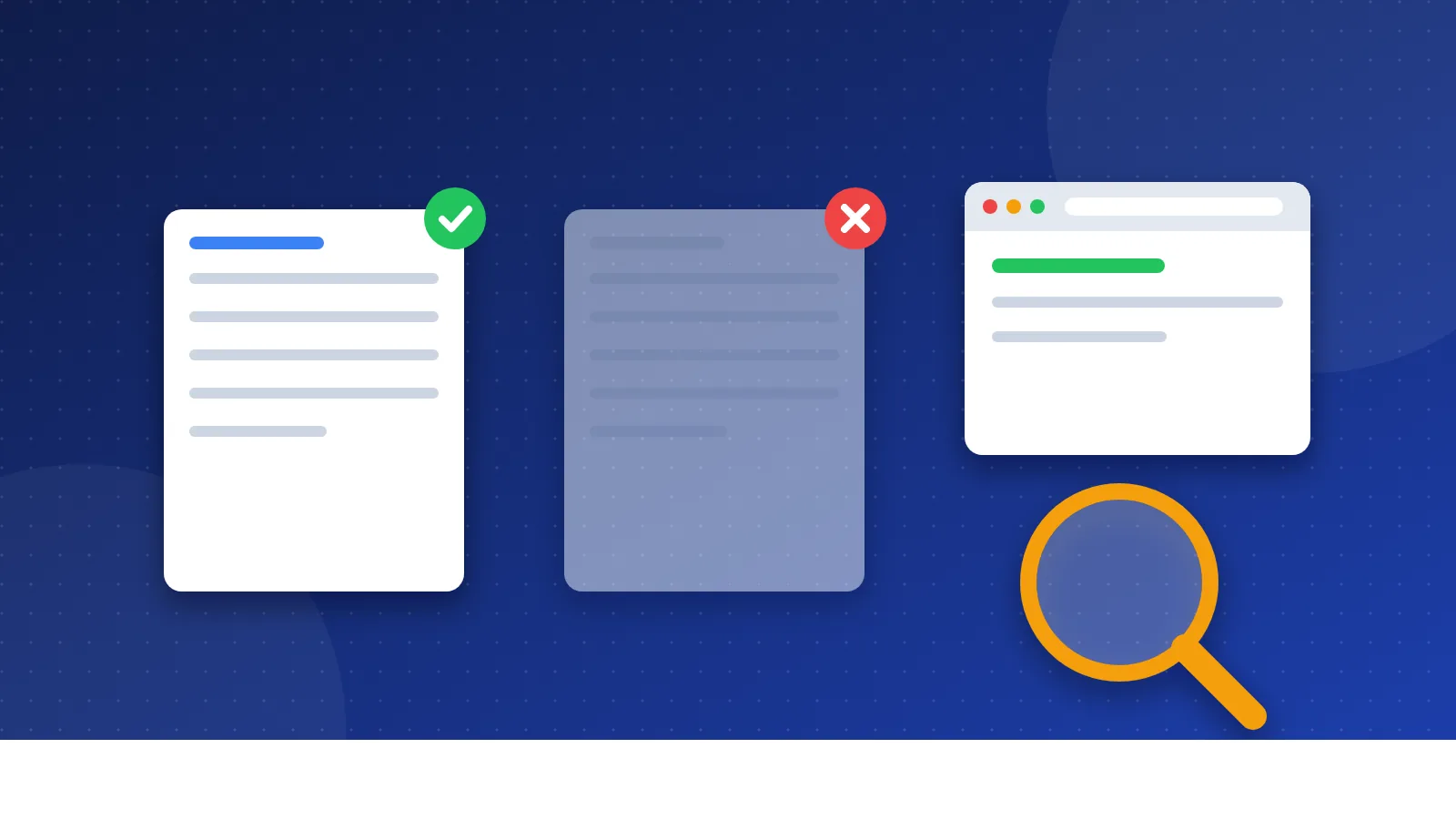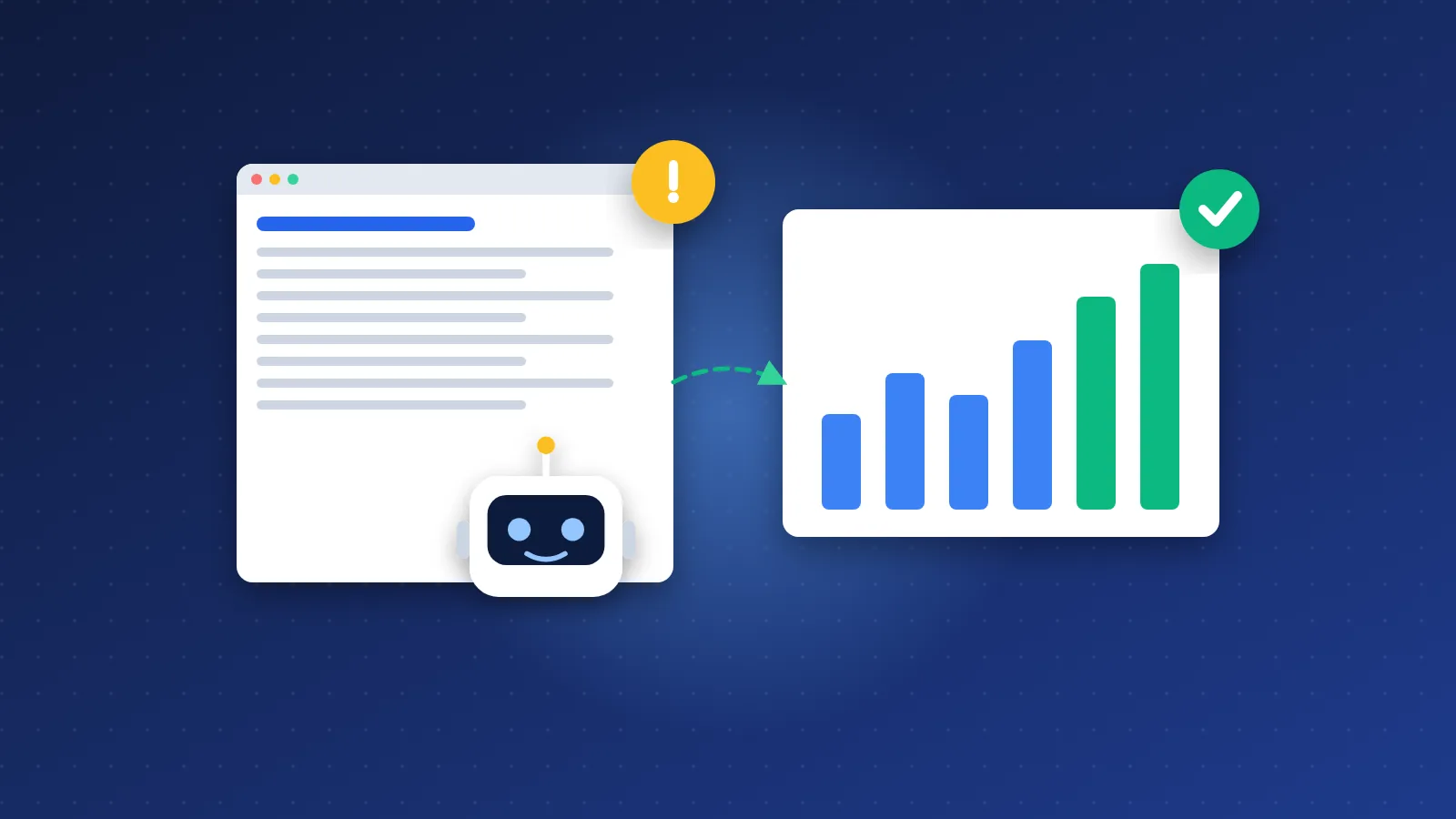
Here is how to fix "Crawled – currently not indexed" for small blogs: decide which affected URLs actually deserve to be indexed, then make each of those clearly better than what already ranks, merge or remove the thin and duplicate ones, and link the keepers from your strongest pages. Google has already seen these pages and chosen not to index them yet, so the fix is almost always about value and signals, not about crawling.
Resubmitting the same unchanged URL again and again rarely helps. Changing the page, and how your site points to it, does.
What does "Crawled – currently not indexed" really mean?
It is a status in the Page indexing report of Google Search Console. Google's help page describes it plainly: the page was crawled by Google but not indexed, it may or may not be indexed in the future, and there is no need to resubmit the URL for crawling.
In other words, there is no technical error. Googlebot fetched the page, could read it, and decided the index did not need it right now. That is different from "Discovered – currently not indexed", where Google knows the URL exists but has not crawled it yet, which points more towards crawl priority and internal linking.
On a small blog, a handful of URLs in this bucket is normal. Feed URLs, tag archives, attachment pages and paginated archives often sit here, and that is fine. It becomes a problem when your real articles show up in the list.
Thin and duplicate pages: the usual cause
In most cases I see on small sites, the affected articles share one of these traits:
- Thin content. A few hundred words that restate what dozens of other pages already say, with nothing new: no examples, no steps, no opinion based on experience.
- Near-duplicates. Several posts targeting the same question with slightly different titles, so Google picks one and leaves the rest out.
- Archive bloat. Tag, category and date archives that show the same excerpts in different orders.
- Template-heavy pages. Short list pages where the sidebar, header and footer contain more words than the main content.
- Site-wide quality signals. When a large share of a small site is low-value, Google tends to be more selective about indexing new posts from it.
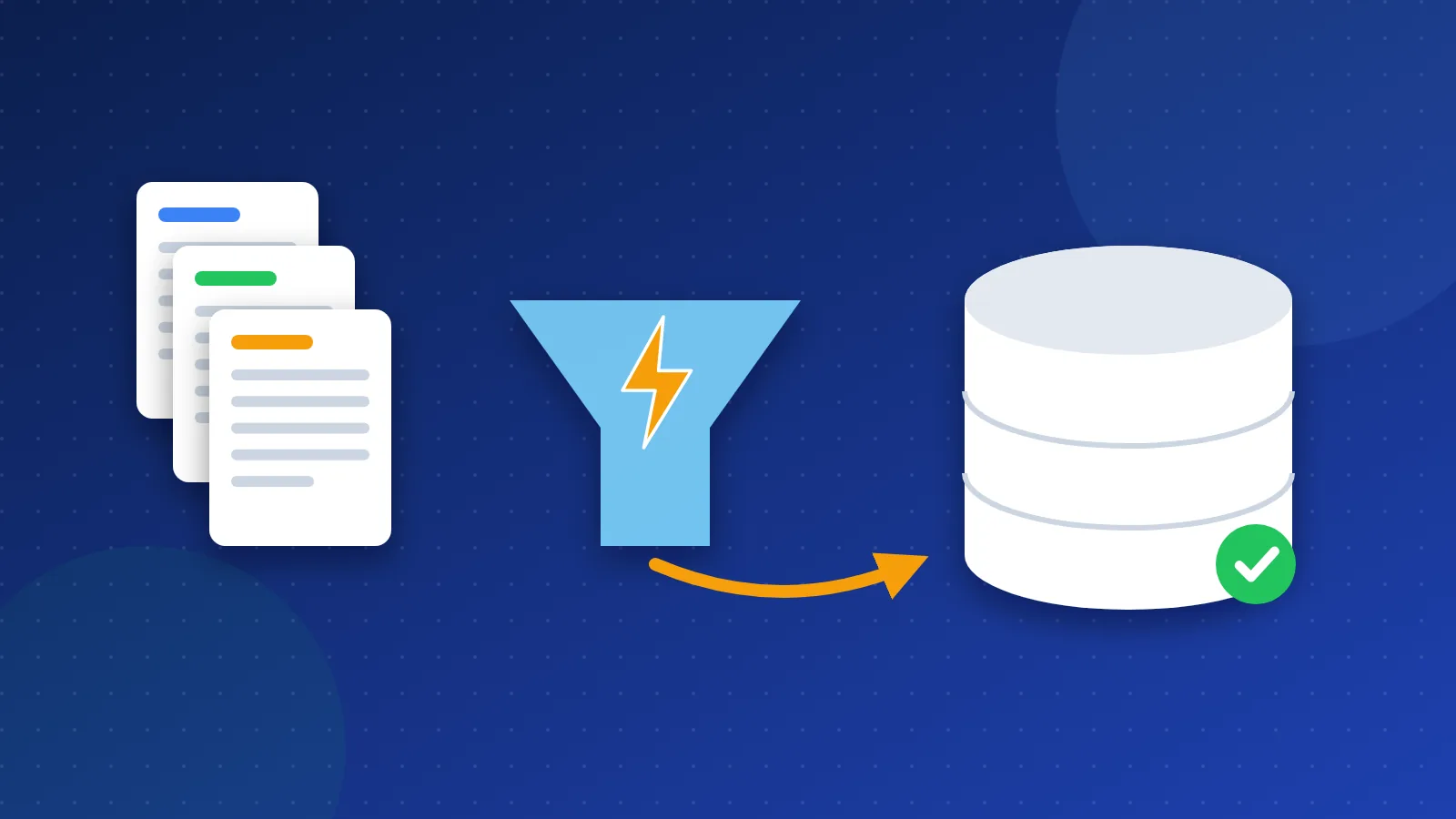
Start with a triage. Export the URLs from the report into a spreadsheet and label each one: keep and improve, merge, noindex, or delete. This simple sorting usually shows that only part of the list consists of pages you really want in Google.
| Page type | Typical action |
|---|---|
| Useful article, unique topic, a bit thin | Expand and improve, then add internal links |
| Two or more posts on the same question | Merge into one strong post and 301 the others to it |
| Tag, date or attachment archive | Noindex or disable, and remove from the sitemap |
| Outdated post with no traffic and no links | Delete (410) or update if the topic still matters |
| Feed or parameter URL | Ignore; this status is expected |
How to fix "Crawled – currently not indexed" for small blogs: improve or merge
For the pages you want indexed, the question to ask is: what does this page offer that the current top results do not? A useful improvement pass usually includes:
- A direct answer near the top, so the page is clearly about one question.
- Something original: a worked example, a checklist you actually use, screenshots, a comparison table, or a clear recommendation.
- Removing padding, such as generic intros and repeated definitions.
- A fresh, accurate title and meta description that match the content.
Merging is often the faster win on a small blog. If you wrote "best free SEO tools", "free SEO tools for beginners" and "top free SEO tools" over three years, combine the best parts into one thorough guide, keep the URL with the most links or traffic, and 301 the other two to it. One good page will usually index and rank better than three weak ones that compete with each other.
Before and after is easy to check: run URL Inspection on the page before you change it, note the status and last crawl date, then compare after the next crawl.
Internal links and the sitemap
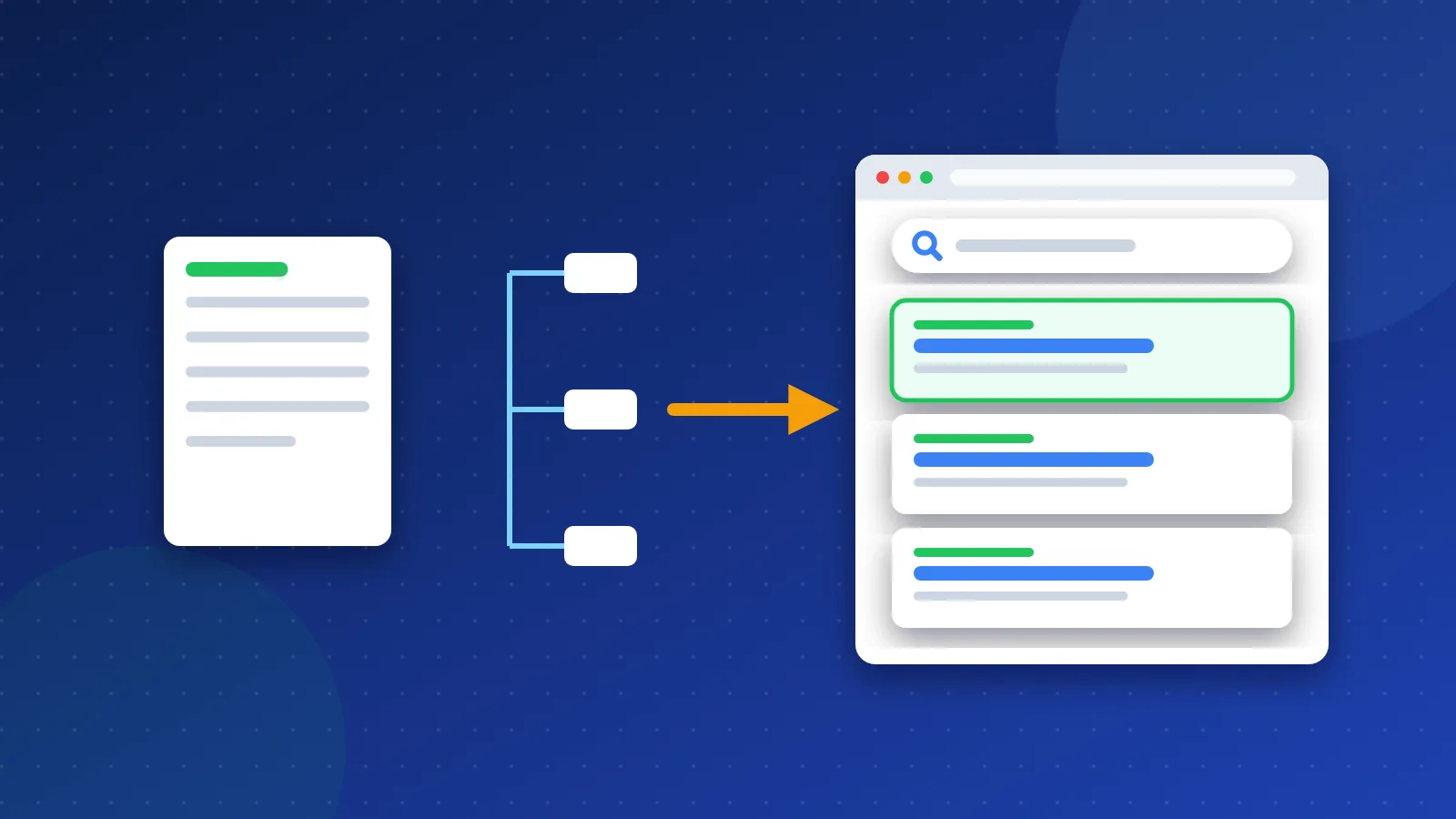
Content quality is the main lever, but internal links tell Google how much you care about a page. A post that is only linked from a page-five archive looks unimportant, however good it is.
- Add contextual links from two or three of your strongest, already-indexed posts, using descriptive anchor text.
- Link the page from its category hub or a "start here" page, not only from date-based archives.
- Check for orphan pages, meaning posts with no internal links at all, and fix them.
- Keep your XML sitemap clean: only canonical, indexable URLs you want in Google, with an honest last-modified date when you update a page.
- Earn or build a few relevant external links to your best content. Our beginner guide to backlinks covers safe ways to do this, and getting your site into the main search engines and webmaster tools helps with discovery.
Once a page is improved and linked, use URL Inspection and click "Request indexing" once. That is a hint, not a guarantee, and repeating it daily does not speed anything up.
How long does re-indexing take?
There is no fixed timeline, and Google does not promise to index any page. As a realistic estimate for a small blog with a reasonably healthy site:
- Days to two weeks for a clearly improved page that has strong internal links and a request for indexing.
- Several weeks for pages on a site where many URLs were cleaned up at once, because Google needs to recrawl enough of the site to reassess it.
- Never, for some pages, if they still do not add anything new. In that case, merge or remove them rather than waiting.
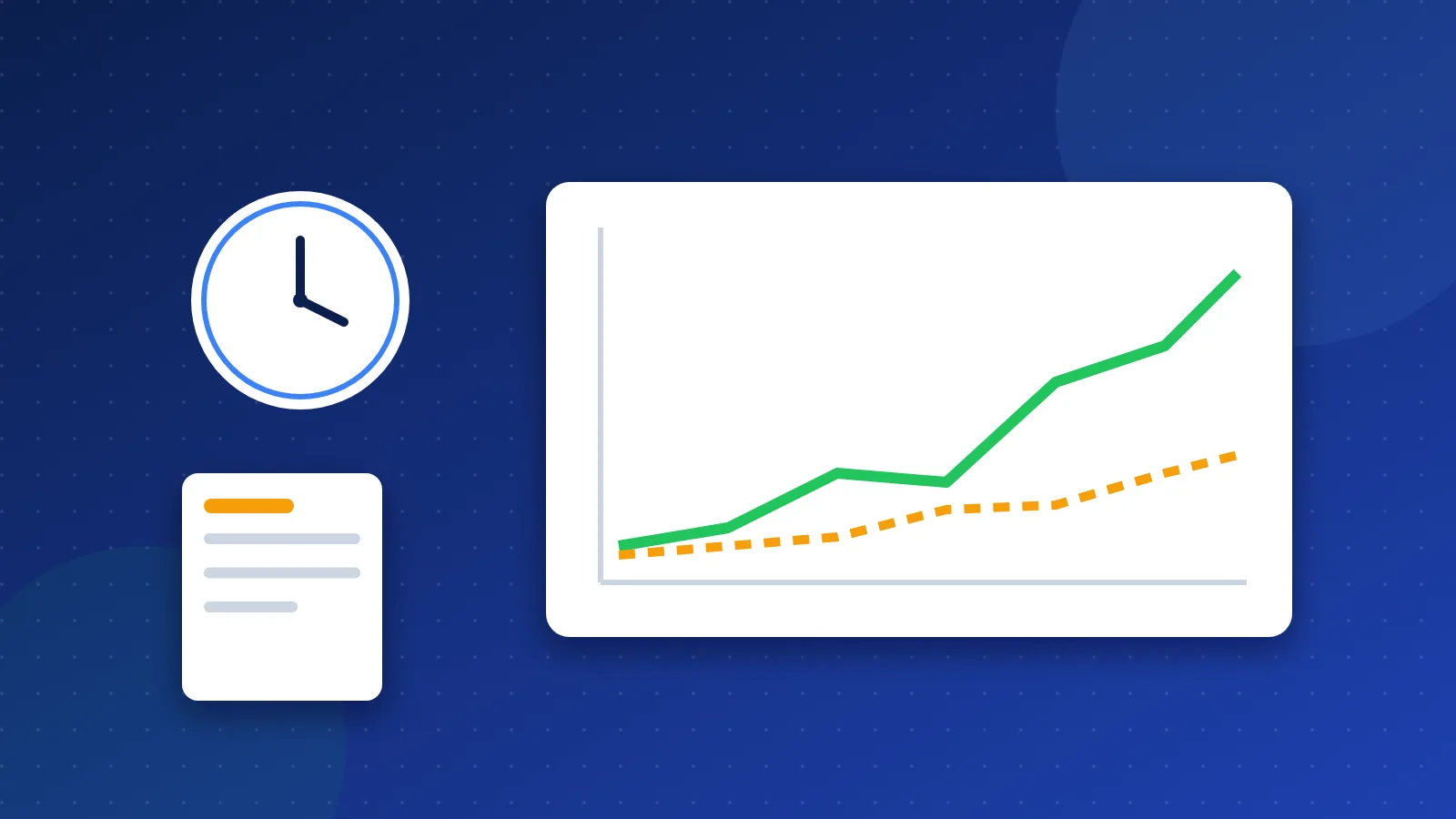
Track progress weekly. In the Page indexing report, open the "Crawled – currently not indexed" list and use the "Validate fix" button after you have made changes, then watch the count over the following weeks. A free crawler from our SEO tools list helps confirm that every keeper is linked and returns a clean 200.
That is how to fix "Crawled – currently not indexed" for small blogs in practice: triage the list, improve or merge the pages worth keeping, remove the clutter, strengthen internal links, and give Google a few weeks before you judge the result.
Frequently asked questions
Should I keep requesting indexing for crawled but not indexed pages?
No. Google's help page says there is no need to resubmit these URLs. Request indexing once after you have made a real change to the page or its internal links, then wait for the next crawl.
Is "Crawled – currently not indexed" a penalty?
No. It is not a manual action or a penalty. It means Google chose not to index the page for now, usually because it sees little extra value in it compared with other pages, including others on your own site.
Should I delete pages that stay crawled but not indexed?
Not automatically. First check whether the page has backlinks, traffic or a unique topic. If it does, improve it or merge it with a related post using a 301. If it has none of those, deleting it or adding noindex can make the rest of your blog easier for Google to assess.